
Screenshots: the images on this page were captured on a test build. Some labels, such as “Unyt Sandbox”, “mock HOT” and “Base Sepolia”, will be different in the live app. Replace them before publishing.
What has launched
HoloFuel (HF) now runs in the HoloFuel Value Network, which you join through the Unyt accounting app. Once you are a member, you can hold HoloFuel, send it and receive it, and use it for hosting and services listed in the Decent Directory. HOT holders can also swap HOT for HoloFuel. Here is what each piece is, and what is and isn’t on offer.
HoloFuel
HoloFuel is a utility currency built on Holochain. It is a mutual-credit accounting currency: something designed to be used, not held as a bet on price. HoloFuel is what you use to pay for hosting and services. It is not a share, not a security, and not a claim on any company.
HOT
HOT (Holo Token) is an ERC20 token on Ethereum. It was issued as a temporary token, designed to be redeemable for HoloFuel once the software to do so was ready. That software is now available. HOT is not going away: it keeps its established trading pairs on exchanges and remains the primary path to liquidity.
Unyt
Unyt is the accounting app that the HoloFuel Value Network runs in. It is built and maintained by Unyt Accounting LTD. Unyt is decentralised: your keys stay on your own computer, and you hold your HOT and HoloFuel under your own keys.
The HOT to HoloFuel swap
Each unit of HOT swaps for one unit of HoloFuel. (hot.talk calls this the HOT to HoloFuel migration.) The swap happens through software, and it is non-custodial from beginning to end: no company holds your HOT or your HoloFuel at any point, and there is no counterparty on the other side.
It takes two separate steps, and you decide on each one separately:
- Bridging. You lock HOT in a smart contract on Ethereum, and the same amount of mirrored HOT is issued to your Unyt account. What you hold is still HOT, and you can bridge it back out to Ethereum. Locked HOT is not burned. It can only be released by the smart contract.
- Swapping. An automated reserve agent accepts your mirrored HOT and issues HoloFuel at 1:1. This is the step that changes the unit you hold.
The swap is voluntary. HOT you don’t swap is not burned, whether it stays in your wallet or is locked in the Ethereum smart contract.
Timing
HOT becomes swappable for HoloFuel by November 1, 2026. The 1:1 swap window will be open for at least 6 months from launch.
The swap is governed by a separate set of terms, the HoloFuel Platform Terms of Service (the Platform Terms), published before the swap opens. They set out in full how the swap operates, who operates it, how long it stays open and the conditions that apply. This guide is a plain-language summary: where it and the Platform Terms differ, the Platform Terms govern.
What is and isn’t being made available
What is available:
- Swapping HOT you already hold for HoloFuel at 1:1, through software, under your own keys.
- Bridging back: if you have bridged HOT into Unyt but not swapped it, you can bridge it back out to Ethereum.
- A HoloFuel balance you can use to pay for hosting and services.
What is not:
- Not a sale. Nothing is being sold. You are converting a token you already hold into another.
- Not an investment. The swap carries no promise or expectation of profit.
- Not custodial. No one takes hold of your assets at any point.
- No credit limit. Swapping gives you a HoloFuel balance. Credit limits are a separate mechanism, and host credit limits are not being activated in the near term.
- No claim on the Reserves. Access to the Reserves comes from providing commercial services into the network, not from holding a balance.
- No guaranteed way back. An inbound rate does not establish an outbound rate. Swapping HOT for HoloFuel does not entitle you to swap it back at the same rate, or at all.
- No exchange listing. There are no short-term plans to list HoloFuel on exchanges.
- No statement about value. Nothing here represents the value of HOT or HoloFuel, now or in the future.
Should you swap? That depends on what you want to do with it. HoloFuel is what you use to pay for hosting and services. People holding for liquidity rather than use are likely to keep holding HOT. For more, read the HOT to HoloFuel FAQ on hot.talk.
Get started
Ways to get HoloFuel
| If you… | Then… |
|---|---|
| Hold HOT (Holo Token, an ERC20 token on Ethereum) | Swap it for HoloFuel at 1:1. The swap window is open for at least 6 months from launch. |
| Hold HOT on a Layer 2 network such as Base or Arbitrum | First convert it into HOT on the Ethereum blockchain (mainnet). Only HOT on Ethereum can be bridged into Unyt. Then swap it for HoloFuel at 1:1. |
| Received a HoloFuel voucher by email | Redeem your voucher. |
| Are being paid by another member | Share your Agent Key with them. You’ll find it in your dashboard’s Settings. |
Whichever applies to you, you start by joining the network.
What you need to join
Plan for about 30–45 minutes.
| You need | Details |
|---|---|
| A computer | Mac, Windows or Linux laptop or desktop. Mobile devices are not supported yet. |
| An email address | You will use it to verify your identity. If you have a HoloFuel voucher, use the address it was sent to. |
| ID and a smartphone | A government-issued photo ID (passport or driver’s licence) and a phone with a camera, for identity verification (KYC). |
Part 1: Join the HoloFuel Value Network
These steps install Unyt, verify your identity and join the HoloFuel Value Network. Everyone does them once, however you plan to get HoloFuel.
Install the Unyt app
Download the version of Unyt for your operating system and install it as you would any other application.
| Your computer | Download Unyt 1.0.0 |
|---|---|
| Mac with Apple silicon (M1 or later) | Unyt for Mac, Apple silicon (.dmg) |
| Mac with an Intel processor | Unyt for Mac, Intel (.dmg) |
| Windows | Unyt for Windows (.msi) |
| Linux (most distributions) | Unyt for Linux (.AppImage) |
| Linux (Debian or Ubuntu) | Unyt for Linux (.deb) |
Not sure which Mac you have? Open the Apple menu and choose About This Mac. It lists either a “Chip” (Apple silicon) or a “Processor” (Intel).
All Unyt releases, with checksums (SHA256SUMS), are on the Unyt release page on GitHub.
Unyt supports standard Linux configurations (Debian/Ubuntu). Some people on Nix or heavily customised systems have run into problems.
Secure your keystore
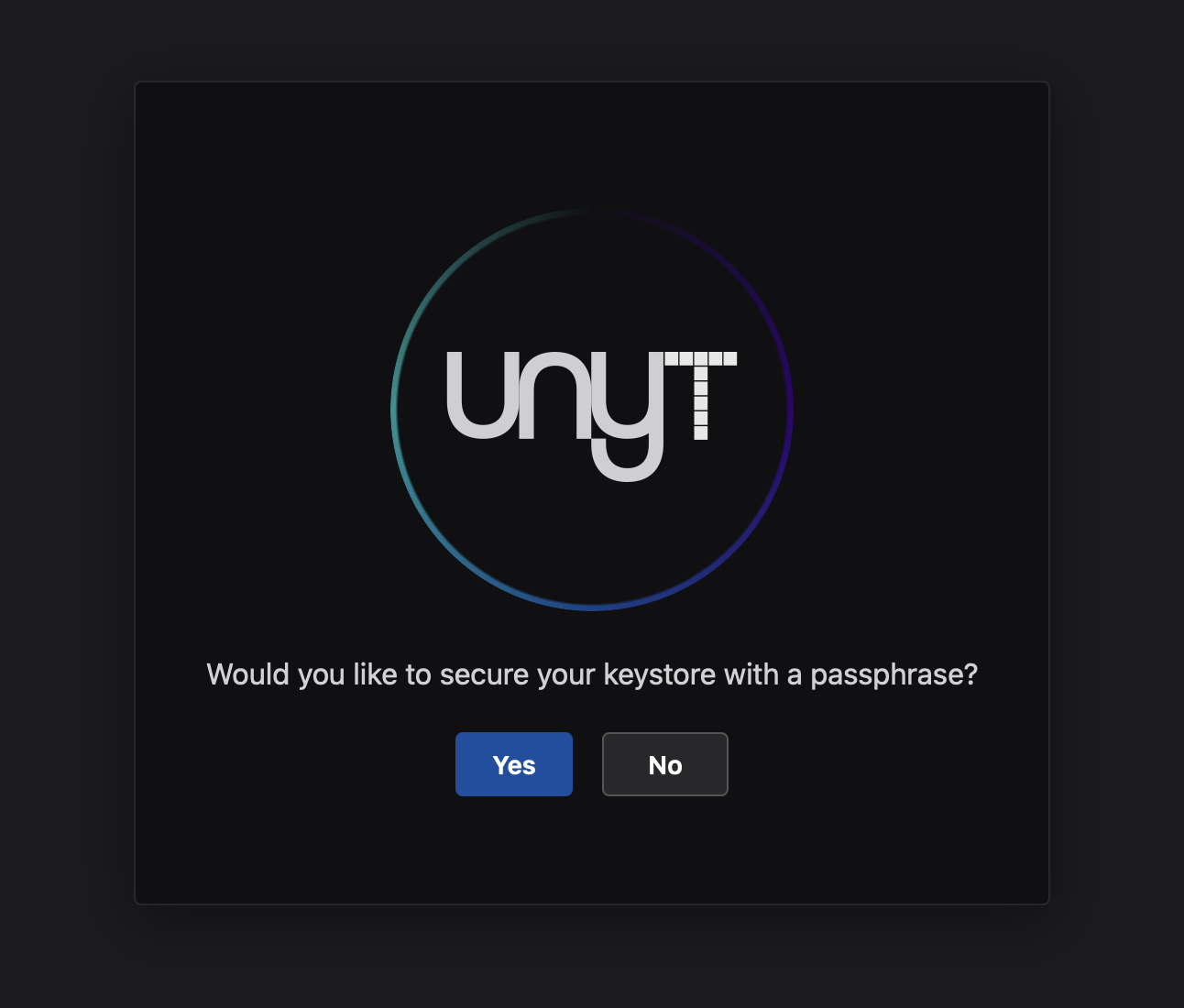
The first time you open the Unyt app, it asks: “Would you like to secure your keystore with a passphrase?”
We strongly recommend choosing Yes.
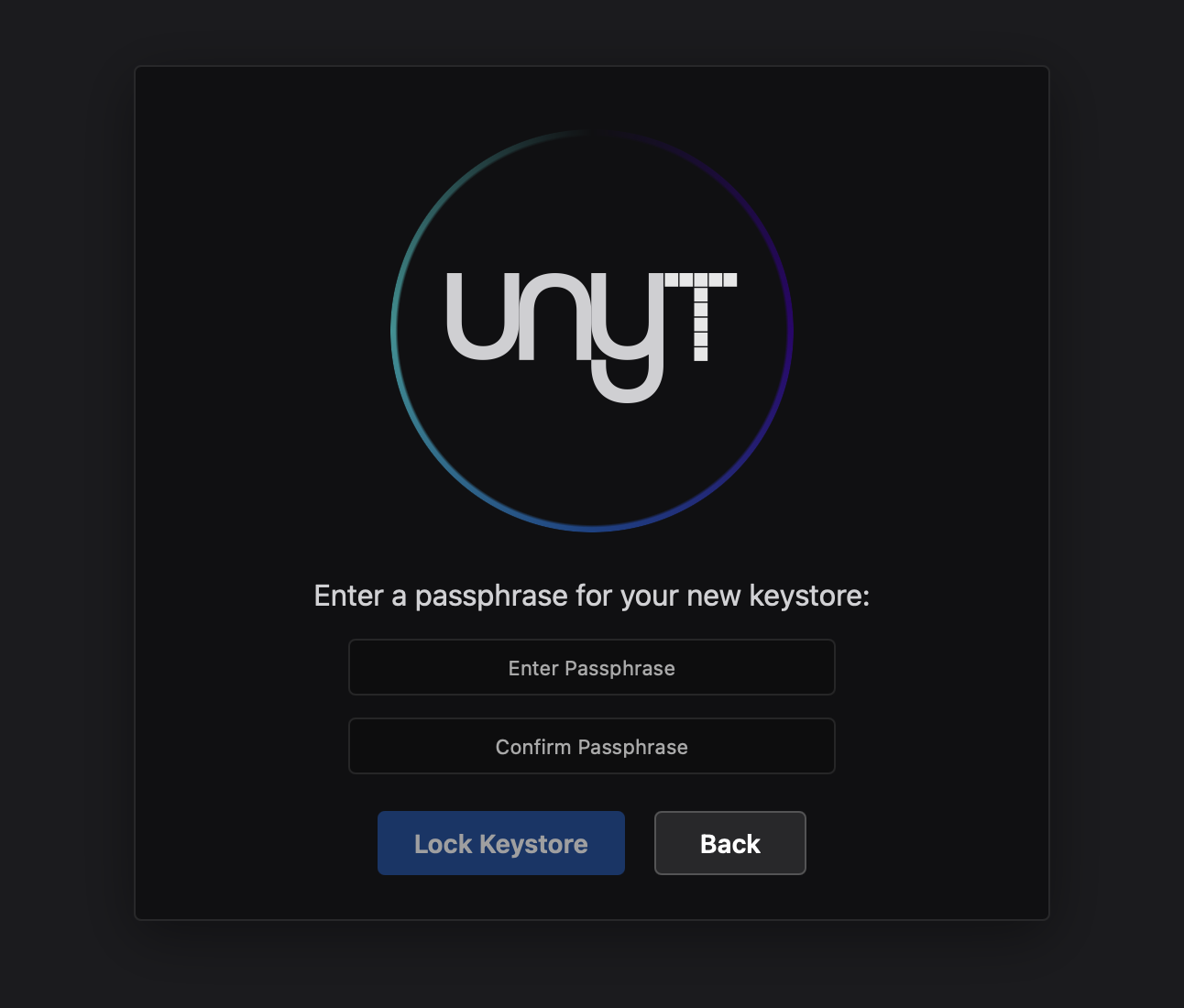
Unyt is a decentralised accounting engine: your passphrase never leaves your computer. Using a passphrase helps stop anyone who gets hold of your computer from spending the HOT or HoloFuel in your account.
You cannot change this passphrase later. If you lose it, nobody can recover it for you, and you risk losing access to your account and everything in it. Create a strong passphrase, write it down and keep it somewhere safe and private.
Enter a strong passphrase, then click Lock Keystore.
Verify your identity
The HoloFuel Value Network requires every member to verify their identity. This lets it comply with Know Your Customer (KYC) and Anti-Money Laundering (AML) regulations.
Unyt has now created your Agent Key, which works like an account number. Before you can join the HoloFuel Value Network, you’ll confirm your email and your identity with Didit, a third-party identity provider. Have your photo ID and phone nearby. It takes about five minutes.
Enter your email
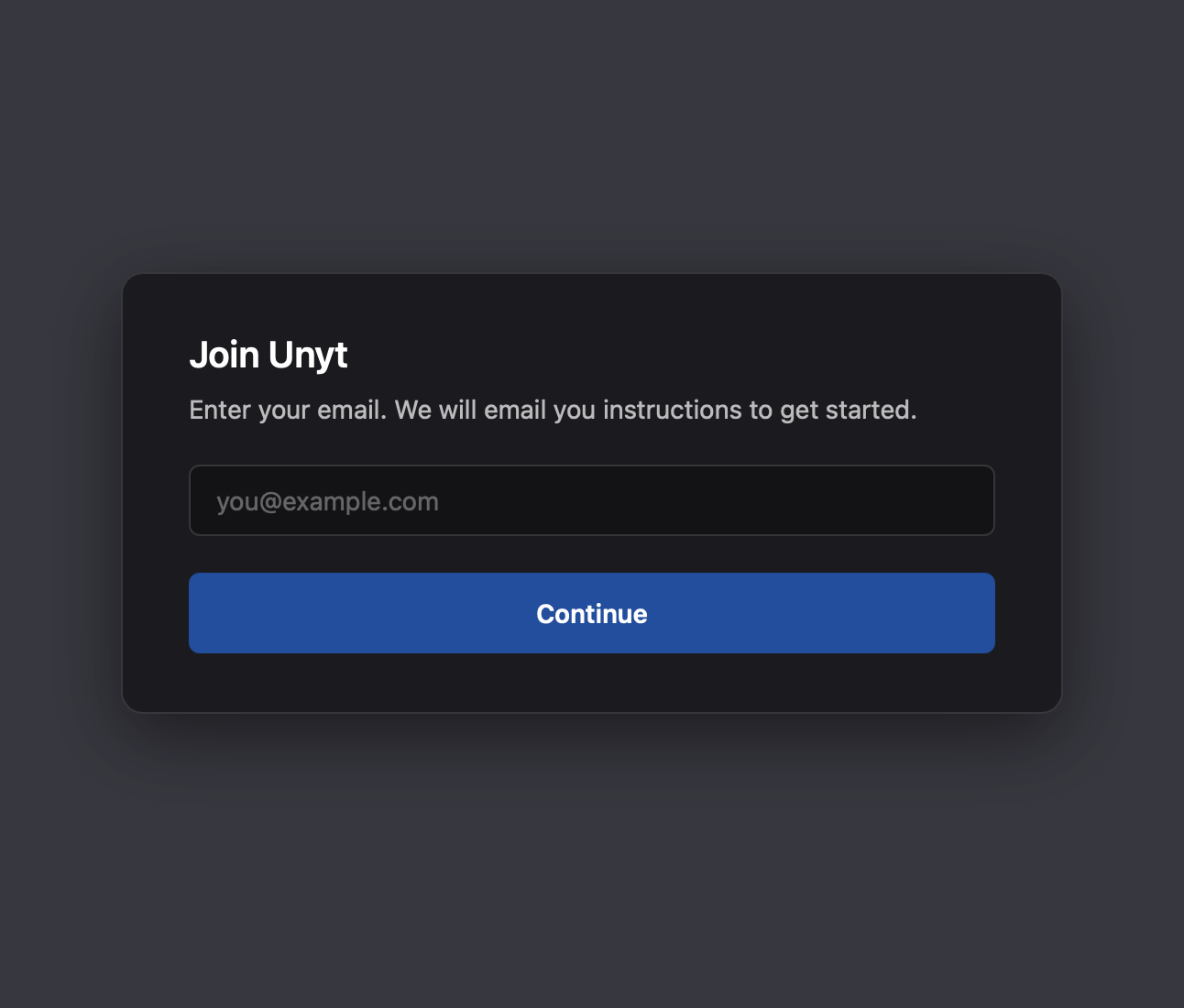
On the Join Unyt screen, enter your email address and click Continue.
Have a HoloFuel voucher? Use the email address your voucher was sent to. Unyt finds your voucher by this address.
Open the link in your email
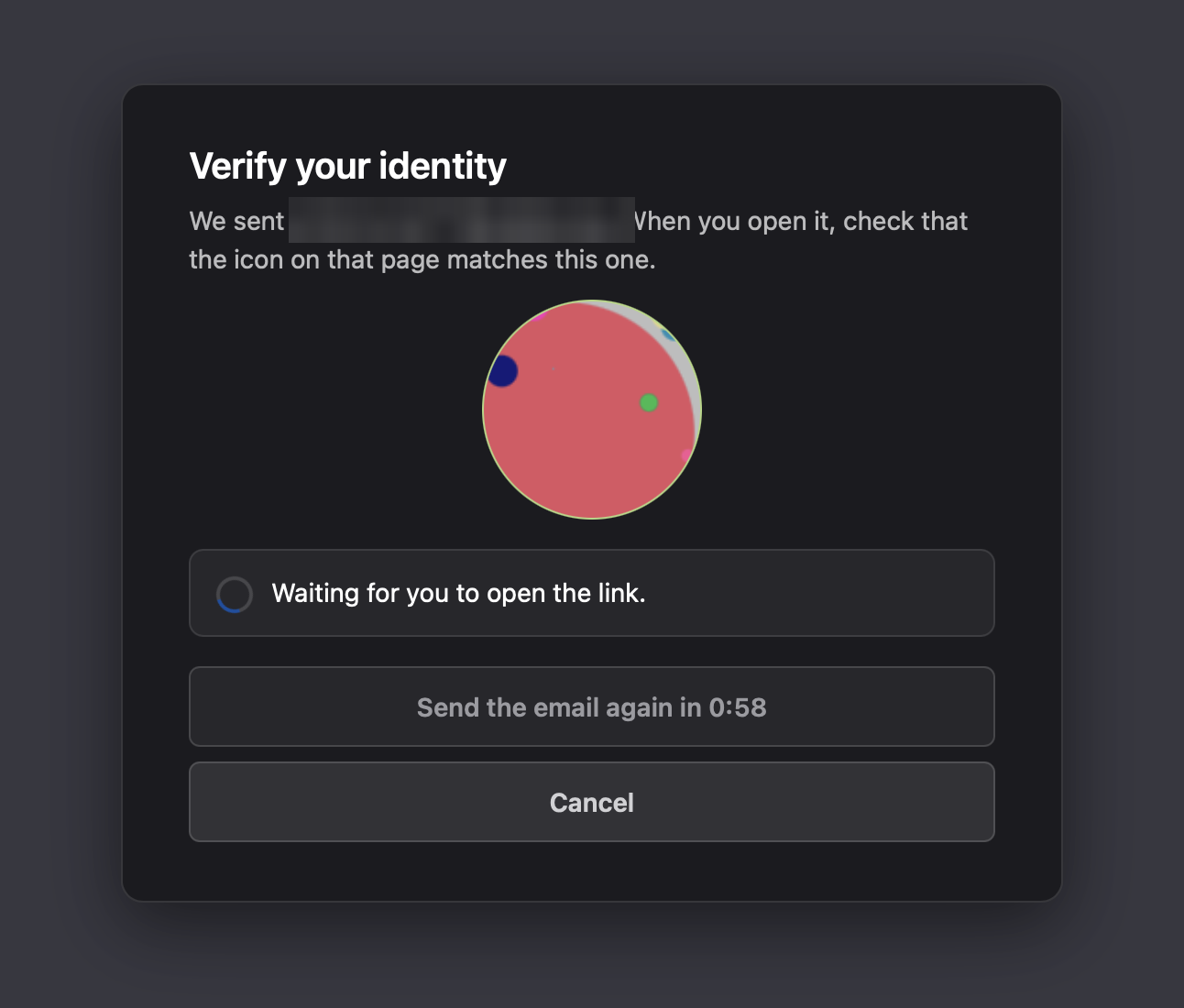
Unyt shows an icon and emails you a link. Leave this window open, because you will need the icon in a moment.
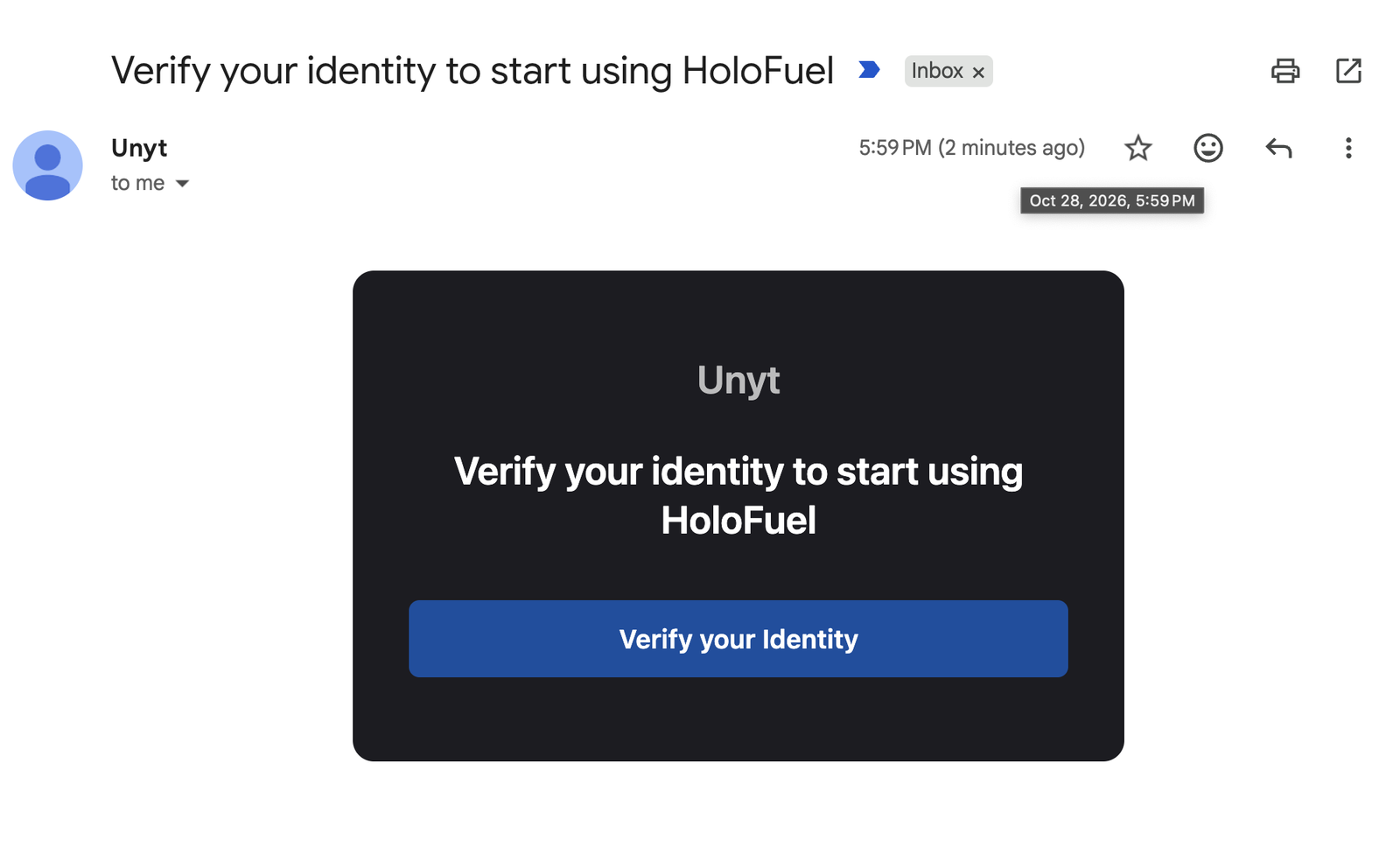
In the email “Verify your identity to start using HoloFuel”, click Verify your Identity. You can open it on this computer or on your phone.
Check that the icon matches
Your browser shows an icon. If it matches the one in the Unyt app, click Yes-- Image matches (OK).
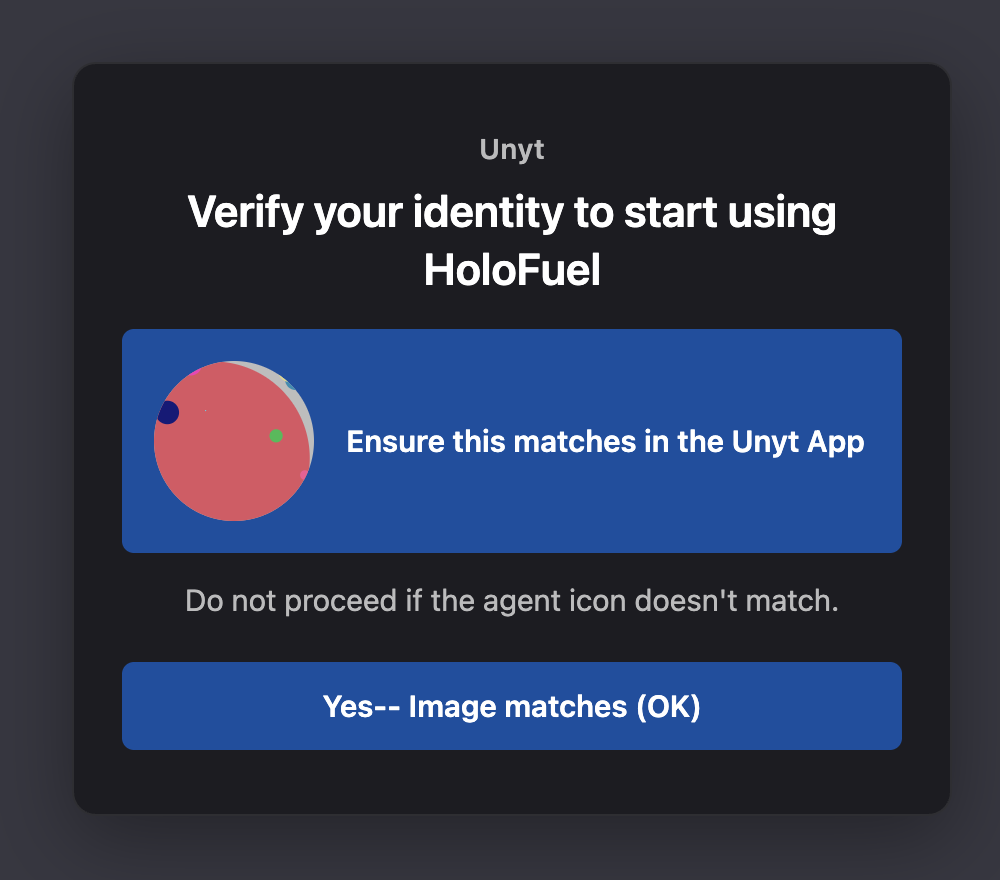
If the icon doesn’t match, stop. Close the page and do not continue.
Seeing a different message on this page? Find out what it means.
Verify with Didit
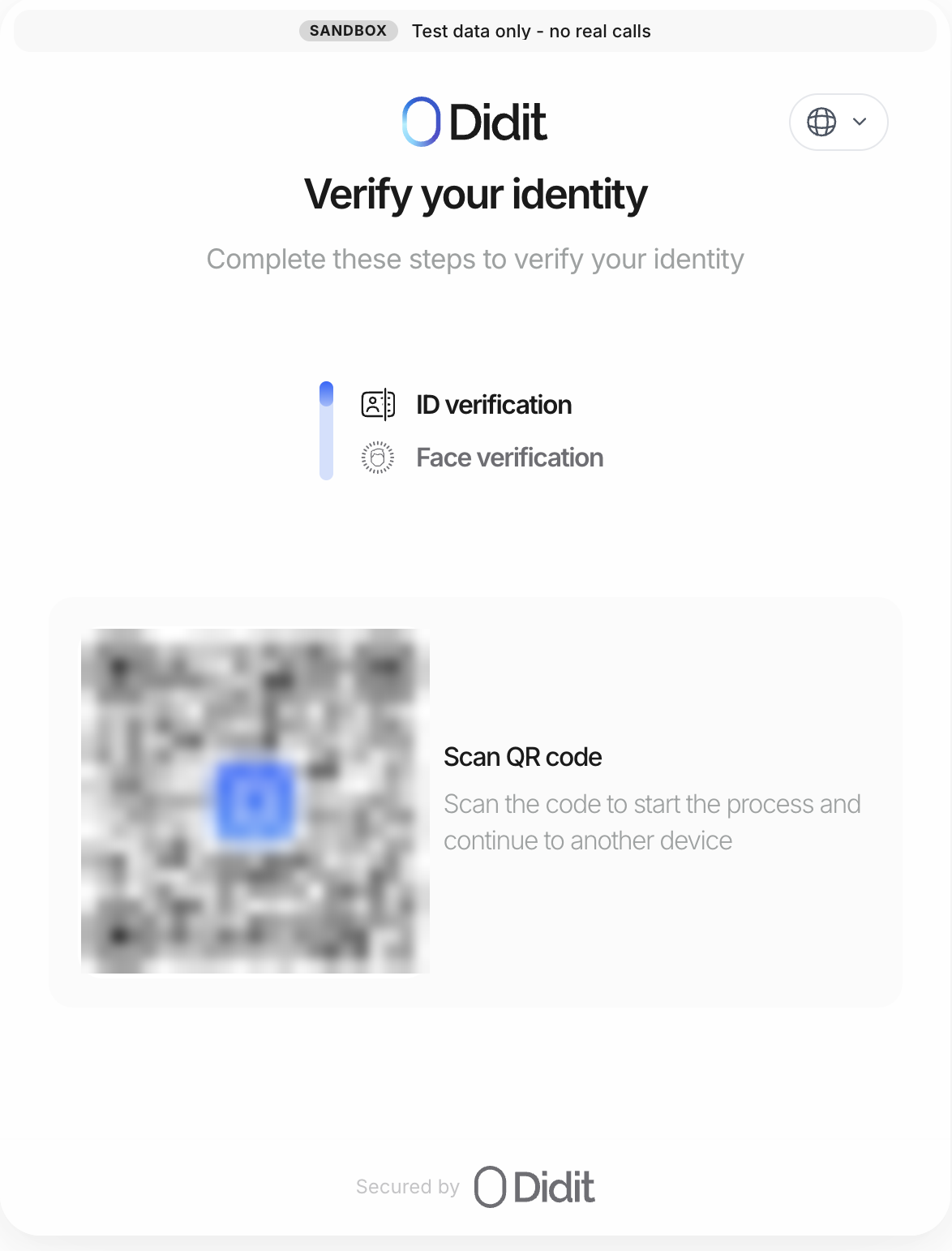
Scan the QR code to continue on your phone. Didit asks you to photograph your ID and then take a short face scan. Go through those steps to verify.
Go back to the app
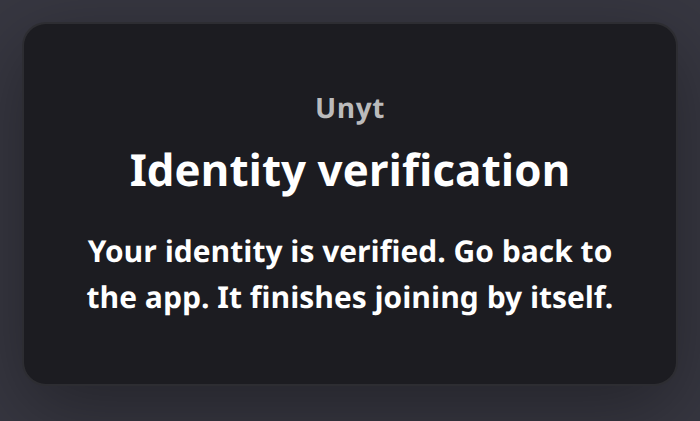
When the page says “Your identity is verified”, go back to the Unyt app on your computer. If nothing seems to be happening after a few minutes, try reloading the Unyt app.
Page says your verification is in review or did not pass? Here’s what to do.
The page confirms your identity is verified and Unyt moves on to joining the HoloFuel Value Network.
Join the HoloFuel Value Network
Once your identity is verified, Unyt shows the Join Unyt Network screen with a joining code already filled in. Before clicking Join Network, check that the code exactly matches the official one below, and that the Network Preview shows the name HoloFuel.
Official HoloFuel joining code:
ha9vcmlnaW5hbERuYUhhc2jEJ4QtJDgVrlUvF0kCO0dl0fHoyrnwAV8jBskxE23xM6wuhj3f9oZUn6RuYW1lqEhvbG9GdWVsq25ldHdvcmtTZWVkqnByb2QtMS0wLTCqcHJvcGVydGllc4KxcHJvZ2VuaXRvcl9wdWJrZXnZNXVoQ0FrM2pXX2NZTERfck9aOXVEZTlsV0g5UzJJdFlwU1Z6VzZRZnRKUXNnYW9sNFBmQTdLtWpvaW5pbmdfc2VydmVyX3NpZ25lctk1dWhDQWtoQmVnYXNYNlEzWF9zY1BpcFlVWi01OHBnQVpDTVlpWTFIUlNYX3NFSklXN250YS2xam9pbmluZ1NlcnZpY2VVcmy9aHR0cHM6Ly8xLTAtMC1qb2luaW5nLnVueXQuY28=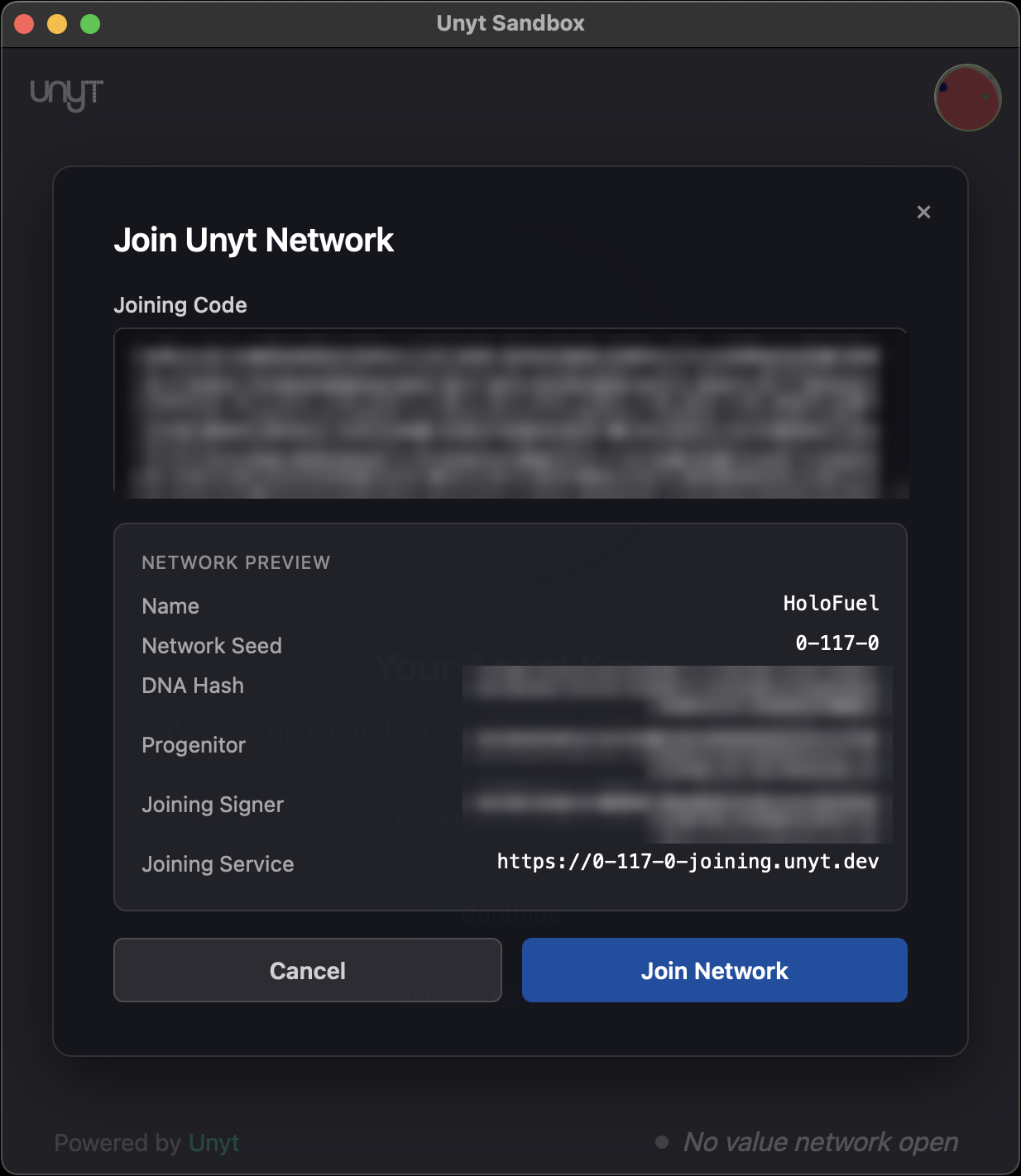
After you click Join Network, Unyt connects to Holochain and then shows “Welcome to Unyt!”
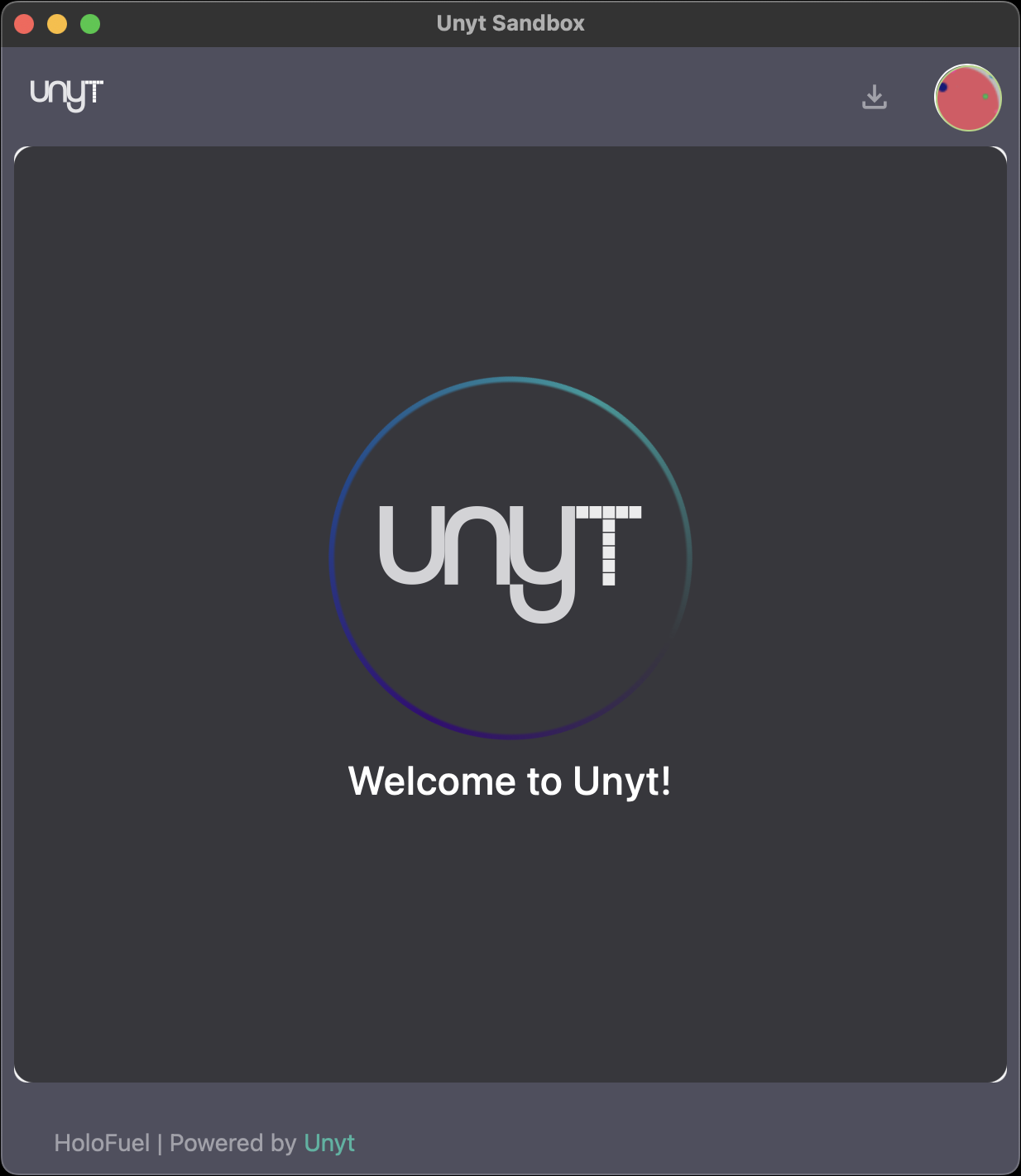
Unyt shows “Something Went Wrong”, or is still waiting? See what to do.
Get to know your dashboard
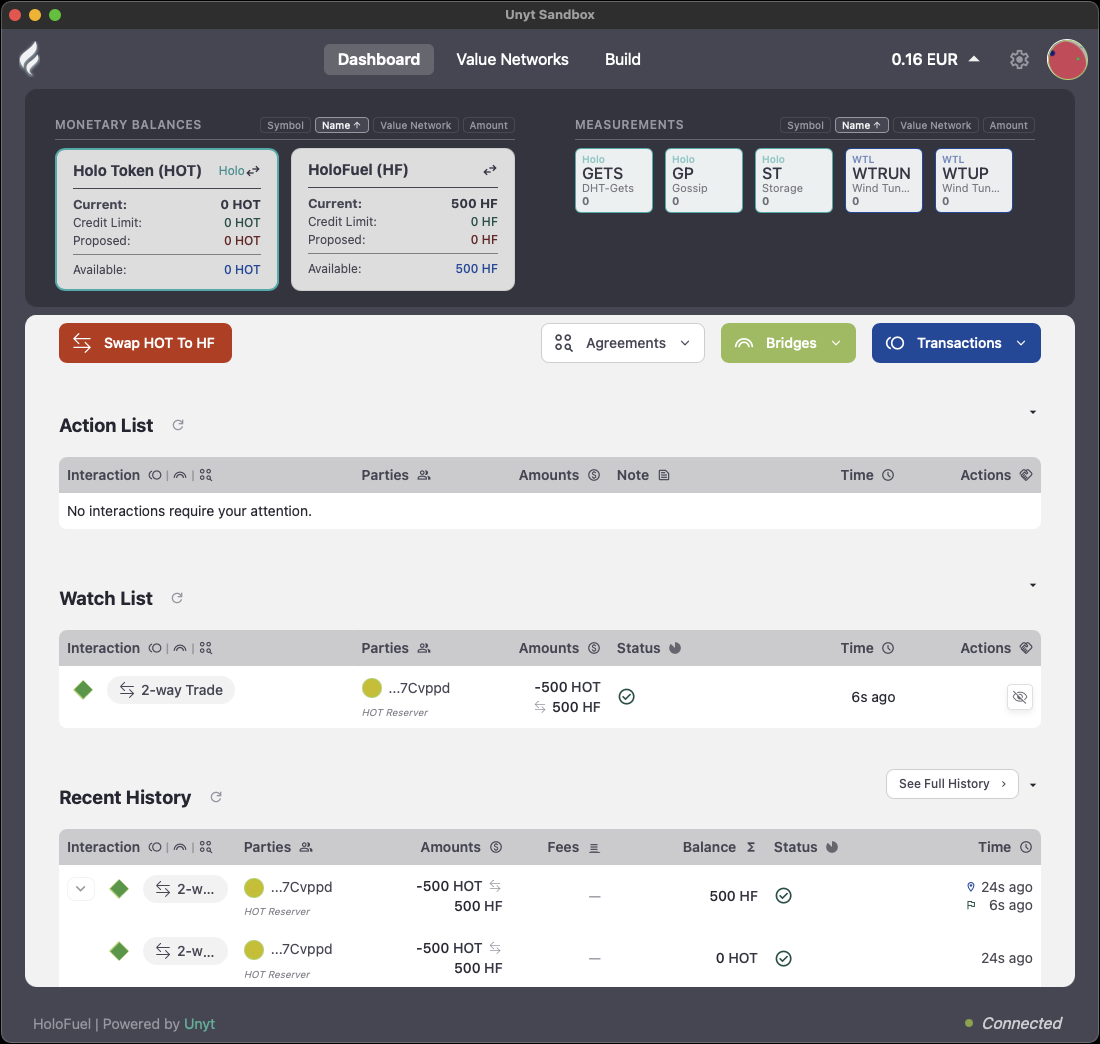
Your HoloFuel dashboard has:
- Monetary balances: cards for Holo Token (HOT) and HoloFuel (HF).
- Swap HOT to HF: swaps mirrored HOT for HoloFuel.
- Agreements, Bridges and Transactions menus.
- Action List: items that need your attention, such as incoming transfers to collect.
- Watch List and Recent History.
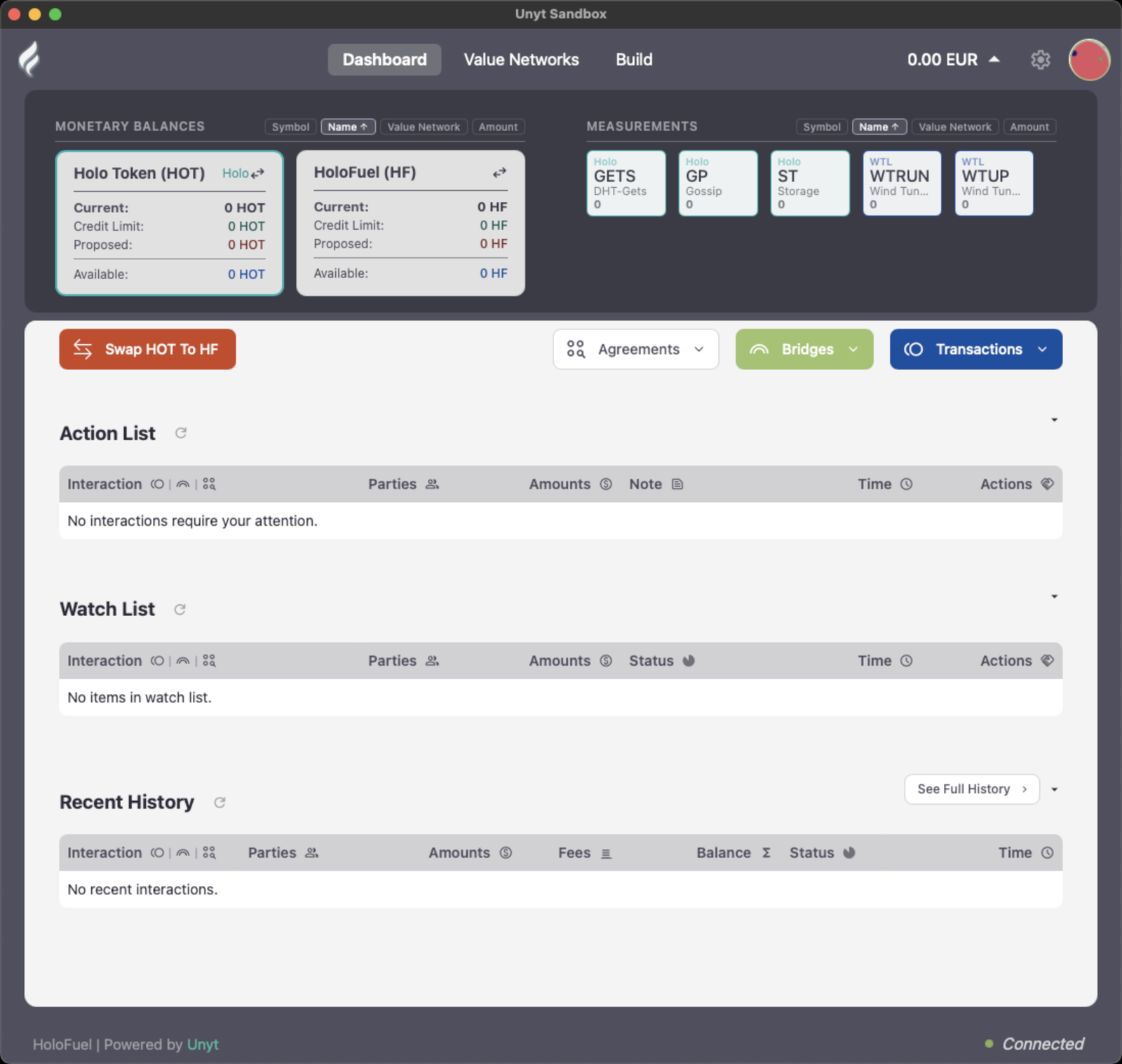
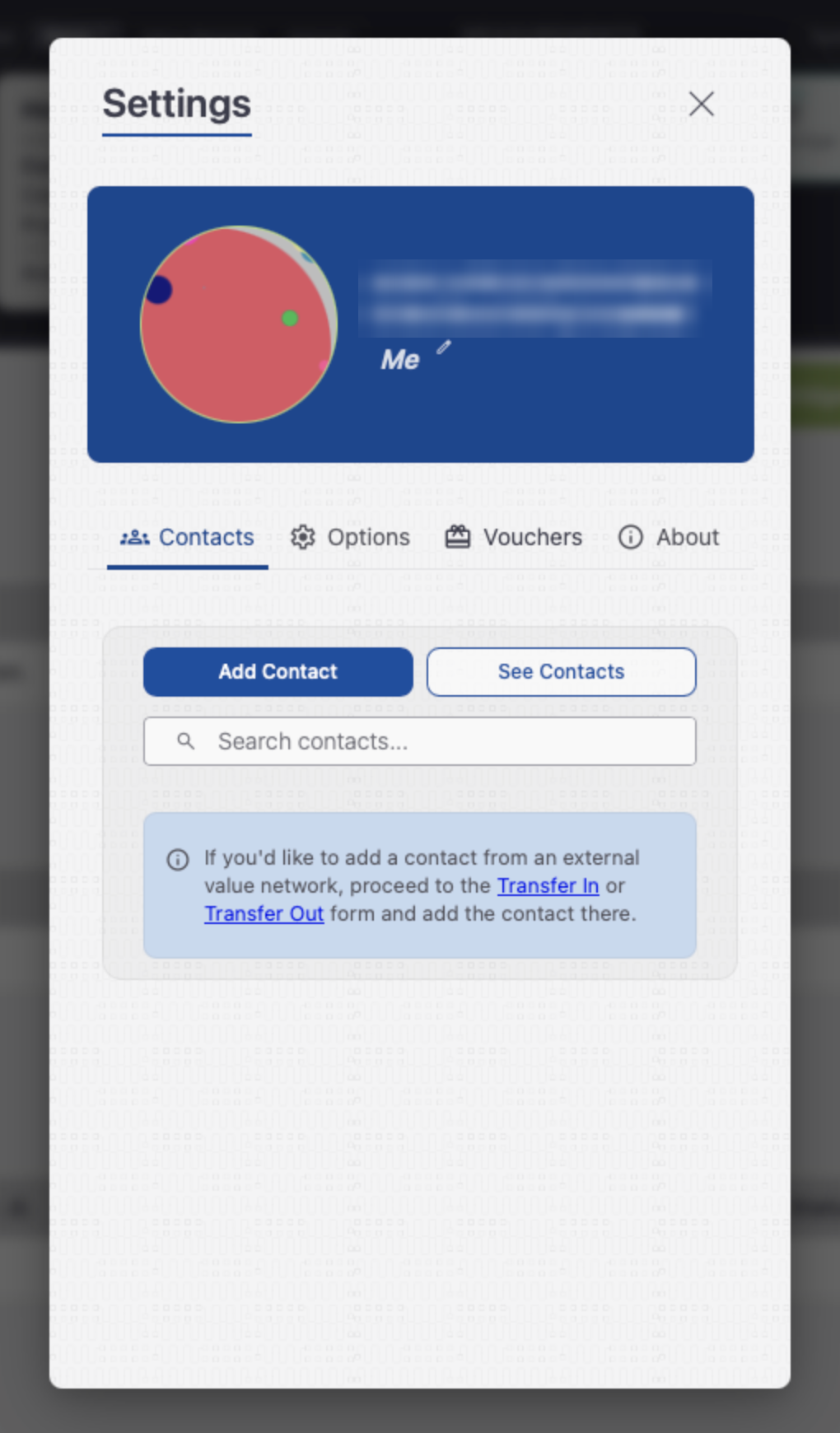
Click the gear icon (top right) to open Settings. Here you will see your identicon and full Agent Key, which you can copy and share with anyone who wants to pay you. If you are swapping HOT, you will also use it to check the bridge.
Back up your Agent Key
This step is optional but strongly recommended. A backup lets you get back into your account if this computer is lost, stolen or damaged.
- From the Unyt app menu, choose Tools › Export Agent Key.
- Choose a passphrase to protect the backup file and click Export.
- Keep copies of the file somewhere other than this computer, and record the passphrase securely.
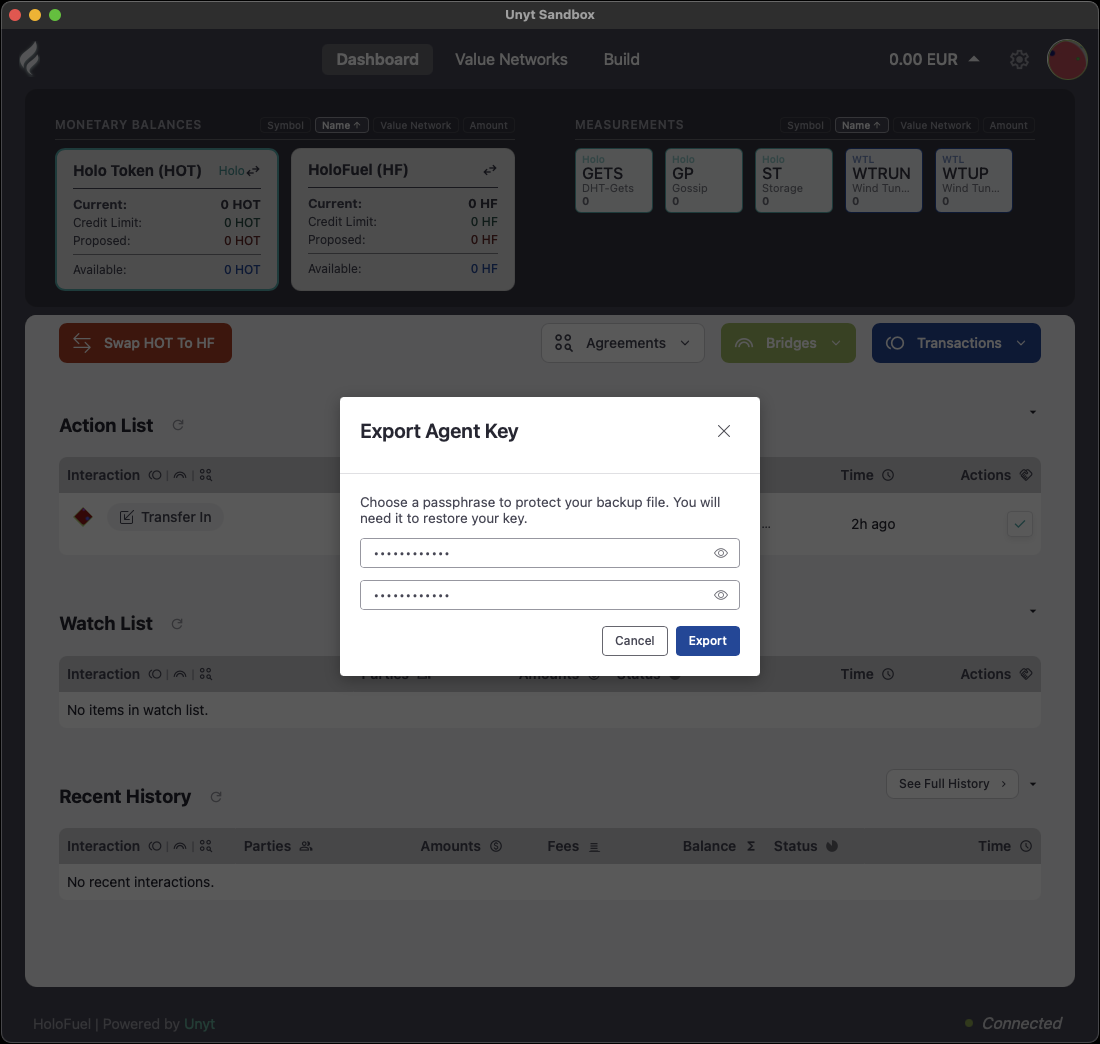
You’ve joined. You are a member of the HoloFuel Value Network. If you hold HOT, continue below to swap it. If you are here to redeem a HoloFuel voucher, go to the voucher guide.
Part 2: Swap HOT to HoloFuel
As part of the launch, HOT holders can swap their HOT for HoloFuel at a 1:1 rate. Net Zero FZC operates the swap. Swapping takes two moves:
- Bridge your HOT into the Unyt app. You lock HOT in a smart contract on the Ethereum blockchain, and the HOT bridge agent credits the same amount of mirrored HOT to your account in the Unyt application.
- Swap that mirrored HOT to HoloFuel at a 1:1 rate within the HoloFuel Value Network in the Unyt application.
Bridging can be undone; swapping is the step that changes what you hold. Before you start, read what is and isn’t being made available.
What you need to swap
| You need | Details |
|---|---|
| A Unyt account | Complete Part 1 first. |
| A browser wallet | A browser-extension wallet such as MetaMask, holding the HOT you want to swap. |
| A little ETH | A small amount of ETH in the same wallet, to pay the Ethereum network (gas) fee for the lock transaction. |
Network support: only HOT on Ethereum mainnet can be bridged. HOT on Layer 2 networks such as Base and Arbitrum should not be sent to the HOT bridge.
Swap window: the 1:1 swap window will be in operation for a minimum of 6 months from launch.
Set up a browser wallet
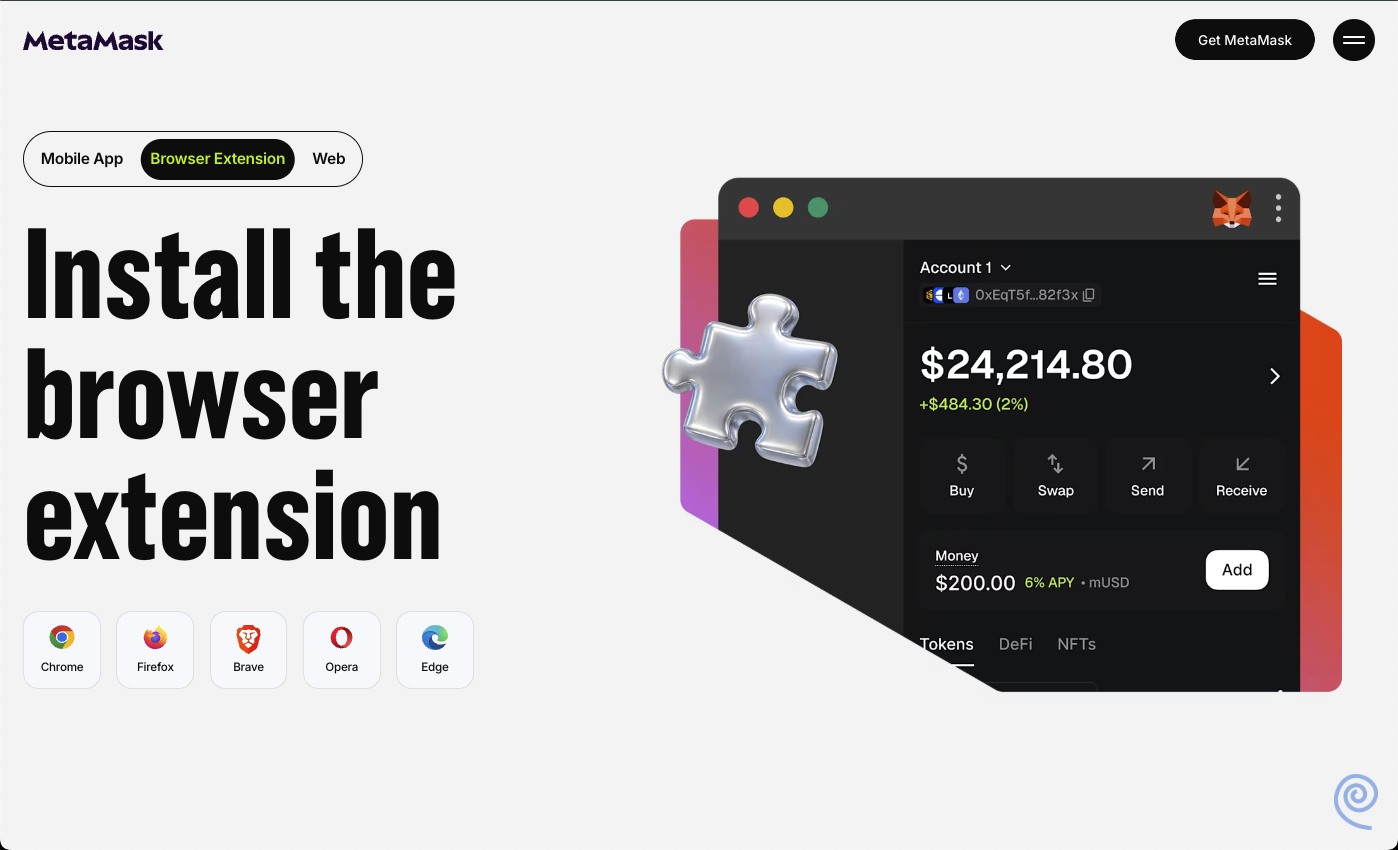
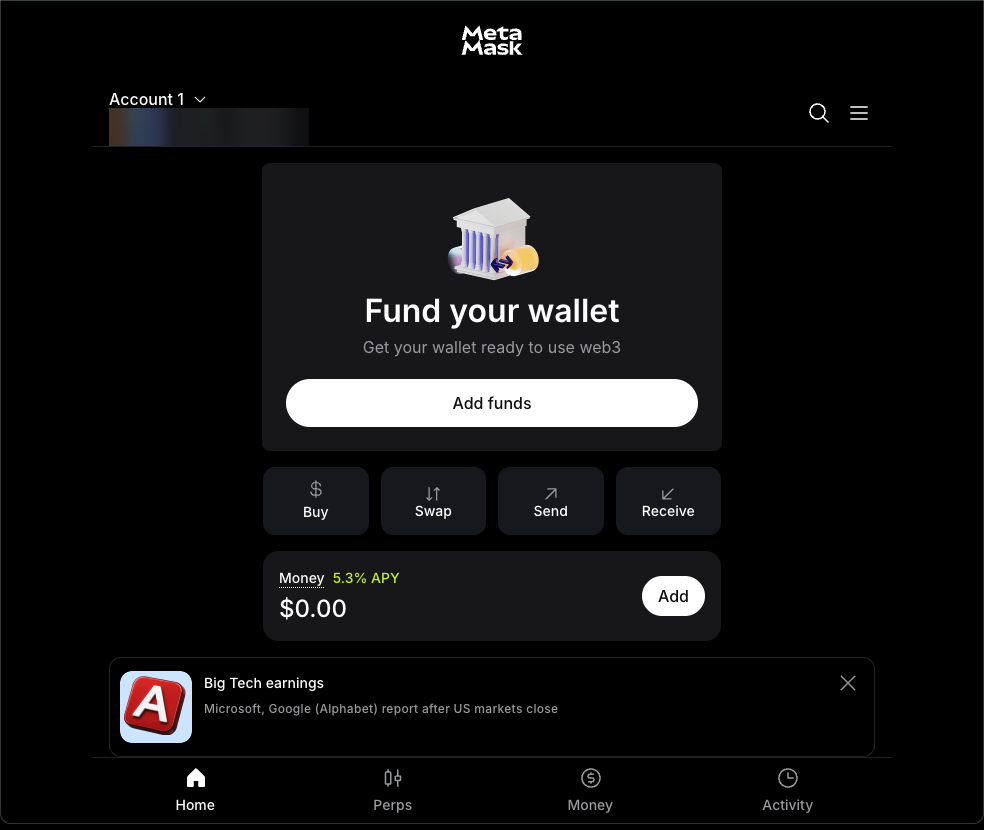
The bridge works with a browser-extension cryptocurrency wallet. If you already have one holding your HOT, skip ahead.
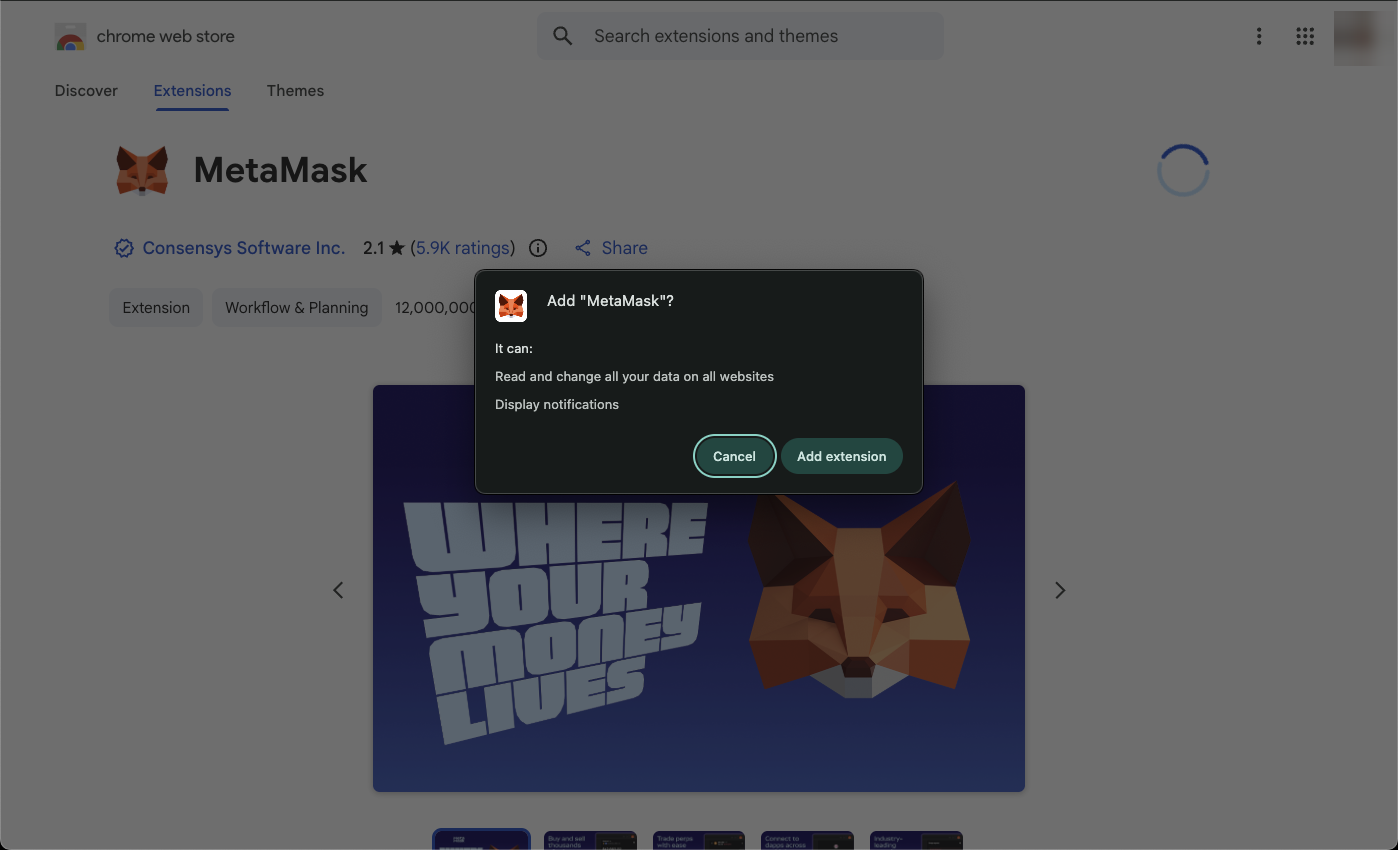
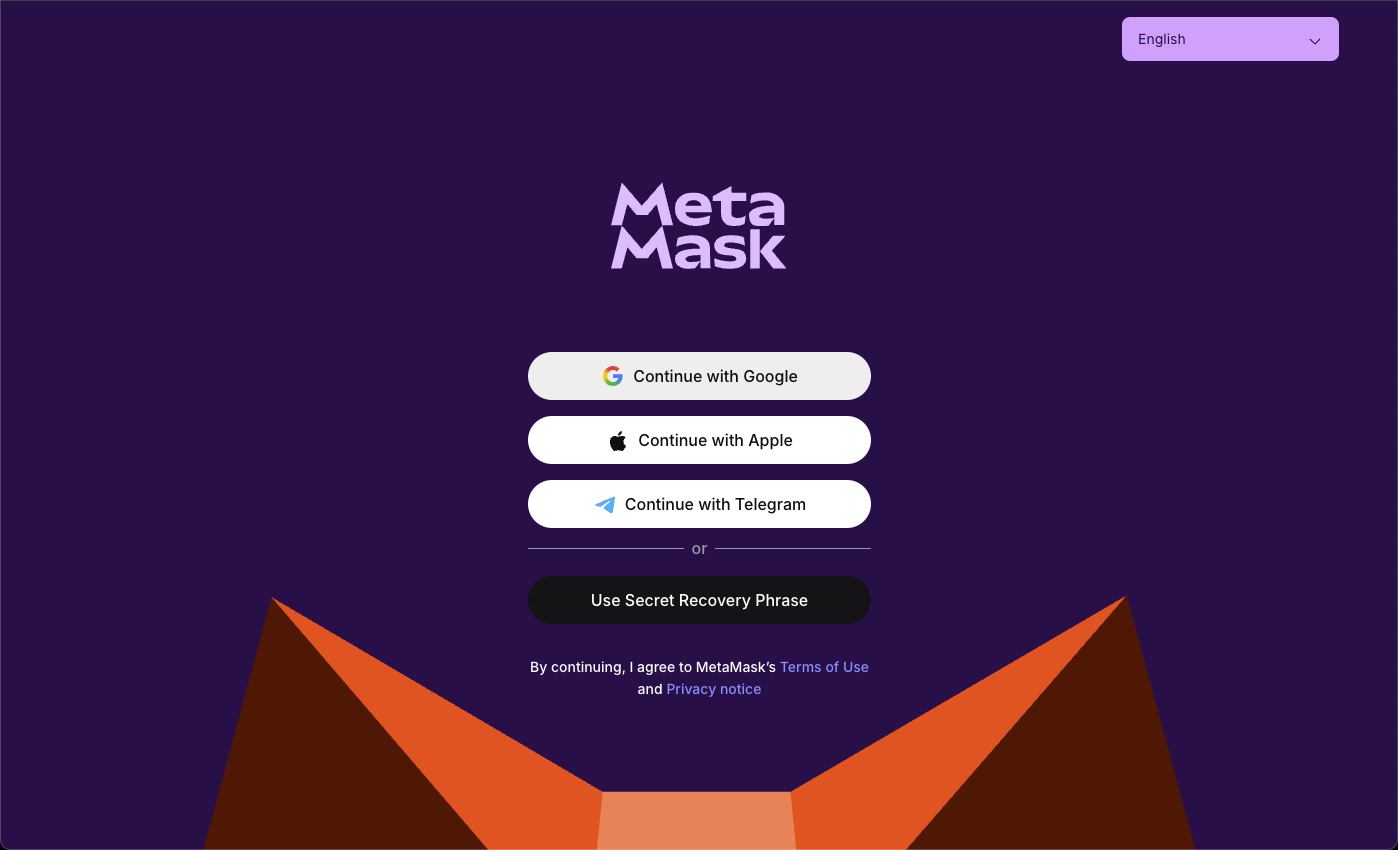
- Select a wallet that supports a browser extension, such as MetaMask, and install the browser extension.
- Create or import a wallet, and store its Secret Recovery Phrase safely.
- Move the HOT you want to swap, plus a little ETH for gas, into this wallet.
Make sure the HOT in your wallet is HOT on Ethereum mainnet, with this token contract address:
0x6c6EE5e31d828De241282B9606C8e98Ea48526E2In MetaMask, you can check it by opening the HOT token and viewing its details. If your wallet doesn’t show HOT, import it as a custom token using this address.
Never send HOT or ETH to this address. It identifies the HOT token contract. It is not a wallet. Anything sent to it is lost permanently and cannot be recovered.
Don’t have HOT yet? It is available on many exchanges. See HOT resources for the official contract addresses, and always check the contract before buying or importing the token.
Bridge HOT into Unyt
What bridging is
Bridging moves HOT from the Ethereum blockchain into the Unyt app. On Ethereum, you lock HOT in the bridge smart contract and give it your Unyt Agent Key. The HOT bridge agent in Unyt recognises the lock and issues the same amount of mirrored HOT to your Unyt account.
- It’s still HOT. Bridging doesn’t swap anything. You hold the same amount of HOT, under your own control, just on Unyt instead of on Ethereum. Swapping to HoloFuel is a separate step that you decide on later.
- It’s non-custodial. The lock is an automated process that no person or company can override. No one takes hold of your HOT, including whoever maintains the software.
- Locked HOT is not burned. It joins a pool of locked HOT held against the mirrored HOT in circulation on Unyt. The smart contract can release it only with multi-signature proof that mirrored HOT has been returned to the bridge agent.
- It can be undone. If you haven’t swapped, you can bridge mirrored HOT back out to Ethereum by returning it to the bridge agent.
- It doesn’t change HOT’s supply. The same amount of HOT stays in circulation.
- It works from Ethereum mainnet only, and the lock transaction costs a small Ethereum network (gas) fee, paid in ETH.
Bridging starts in the Unyt app and finishes on the HOT bridge website.
In the Unyt app
- Click Bridges › Transfer In.
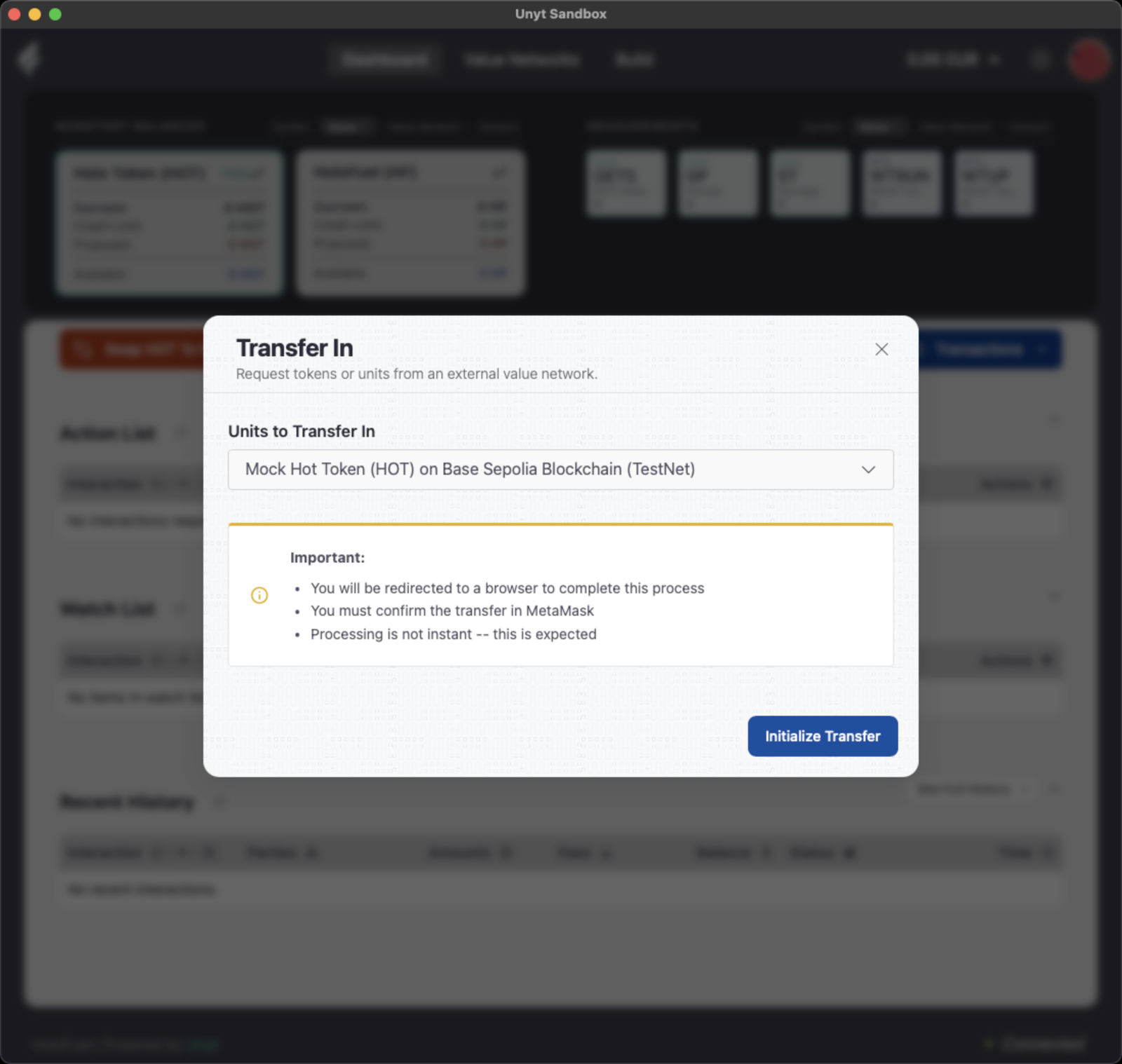
- Under Units to Transfer In, choose the HOT token on the Ethereum blockchain.
- Then click Initialize Transfer.
- Click Proceed to open the HOT bridge in your browser.
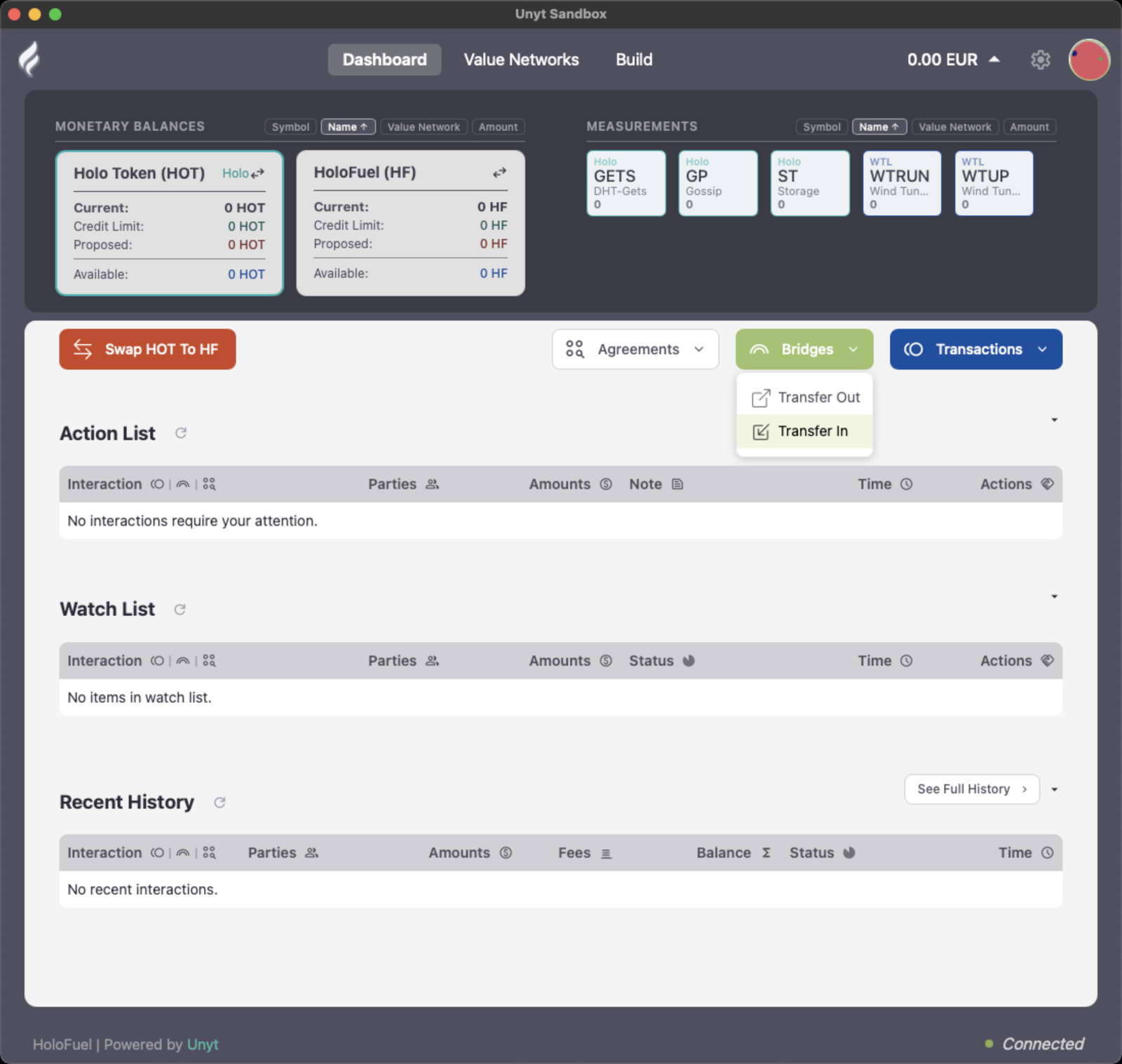
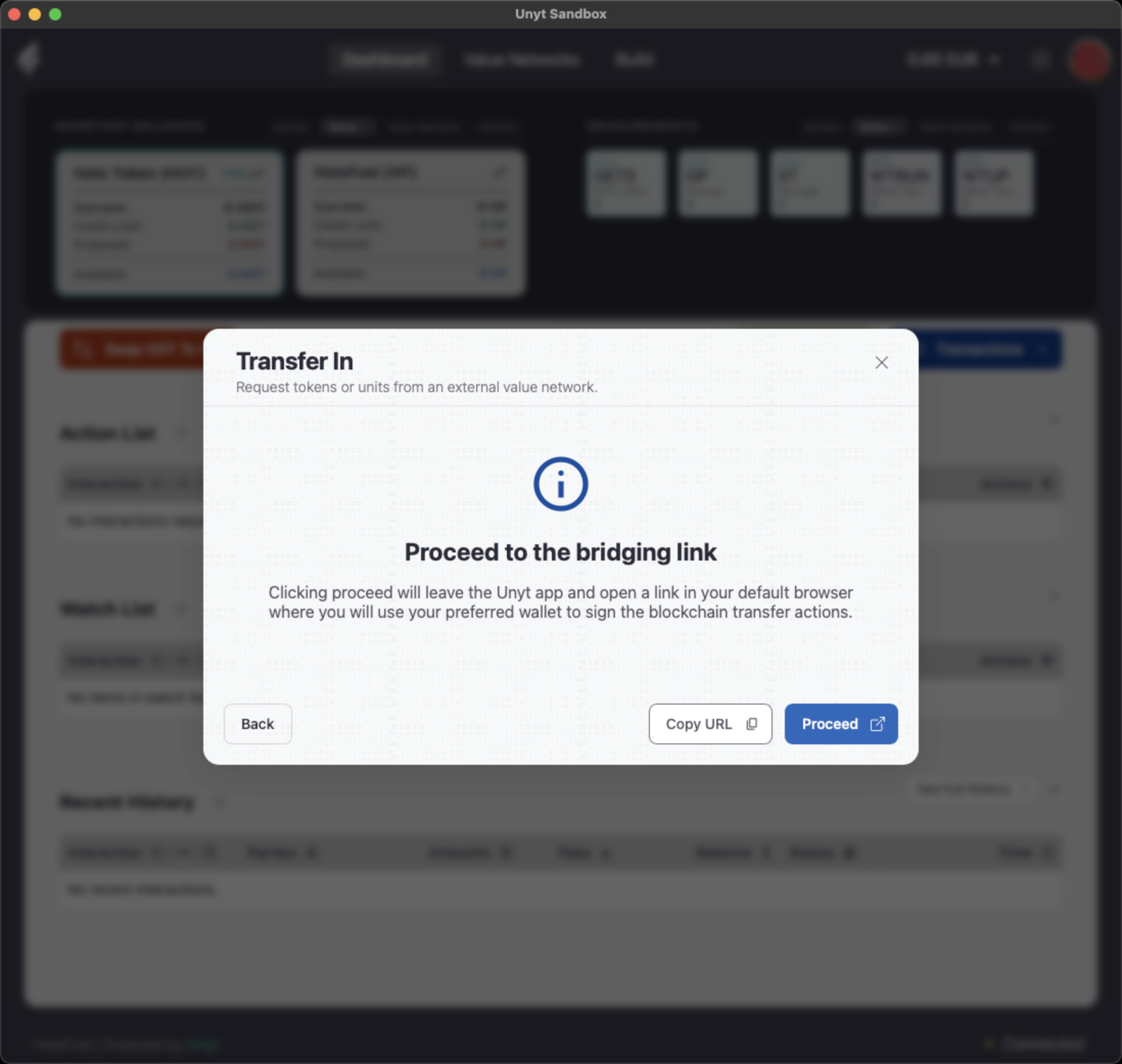
If the bridge opens in a browser without your wallet, click Copy URL instead and paste the link into the browser where your wallet is installed as an extension.
Check the address. The official HOT bridge is at https://hot-bridge.unyt.co/. Before you connect your wallet, make sure that is the address in your browser’s address bar.
On the HOT bridge website
- If this is your first time, click Connect Wallet, then in your wallet (for example, MetaMask) click Connect.
- Check that the Unyt Agent Public Key shown on the page matches your Agent Key in Unyt’s Settings.
- Enter the Amount to Lock. For your first swap, try a small amount.
- Click Lock HOT, review the transaction in your wallet, and click Confirm. Your wallet may first ask you to approve the HOT spend.
- Wait for “Lock almost complete”, then go back to the Unyt app.
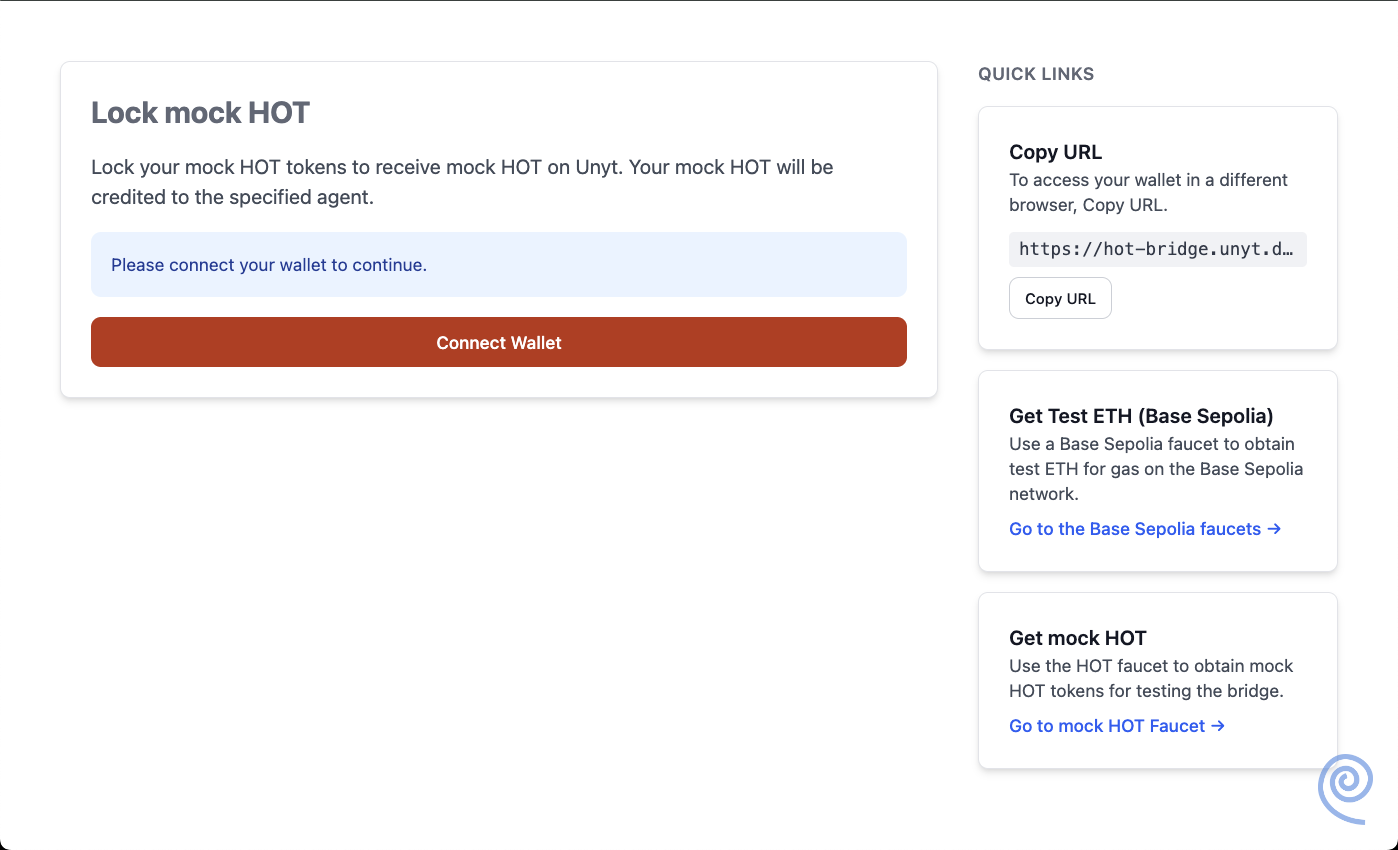
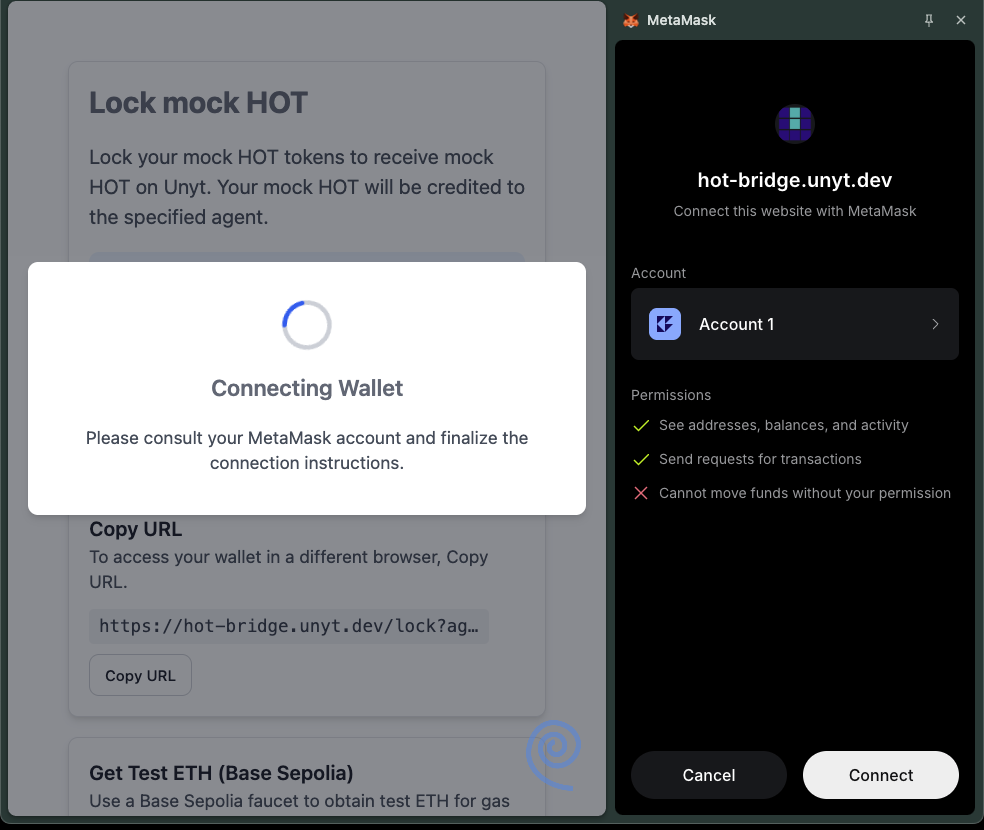
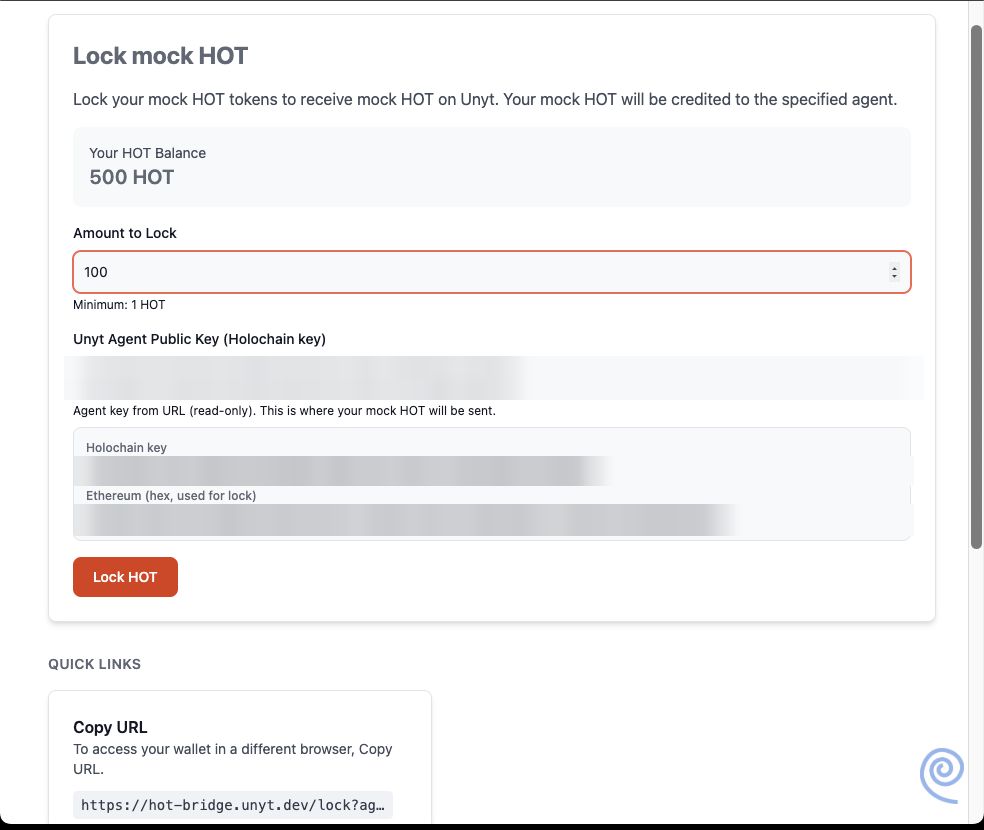
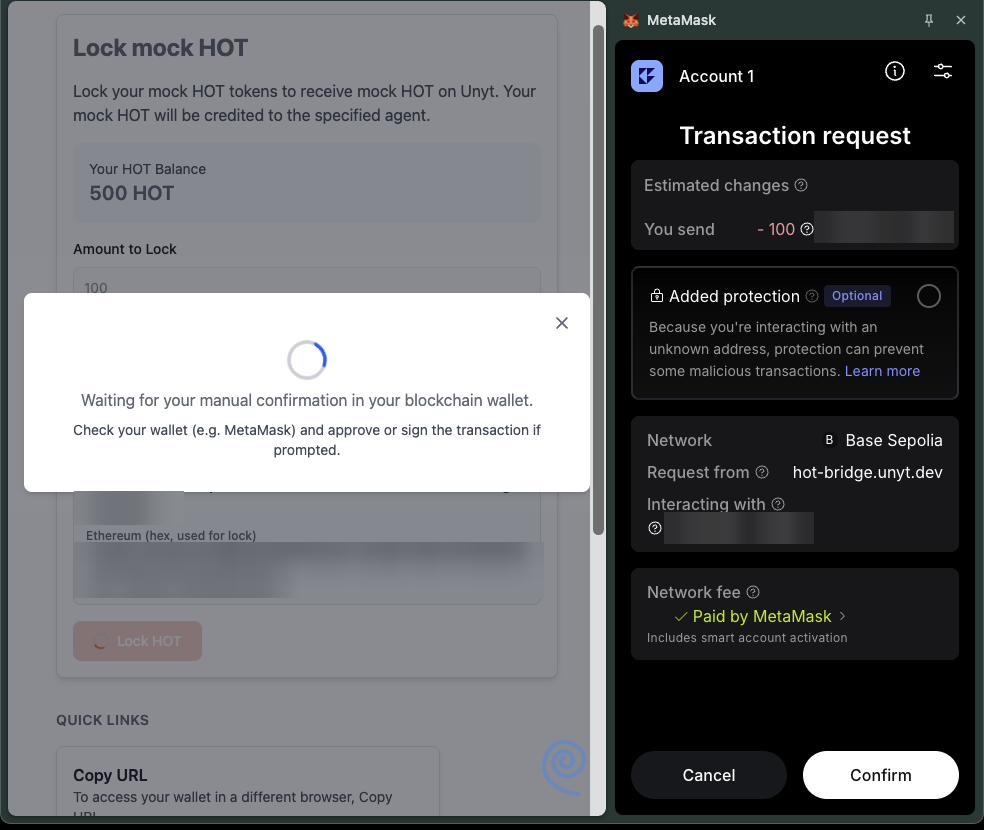
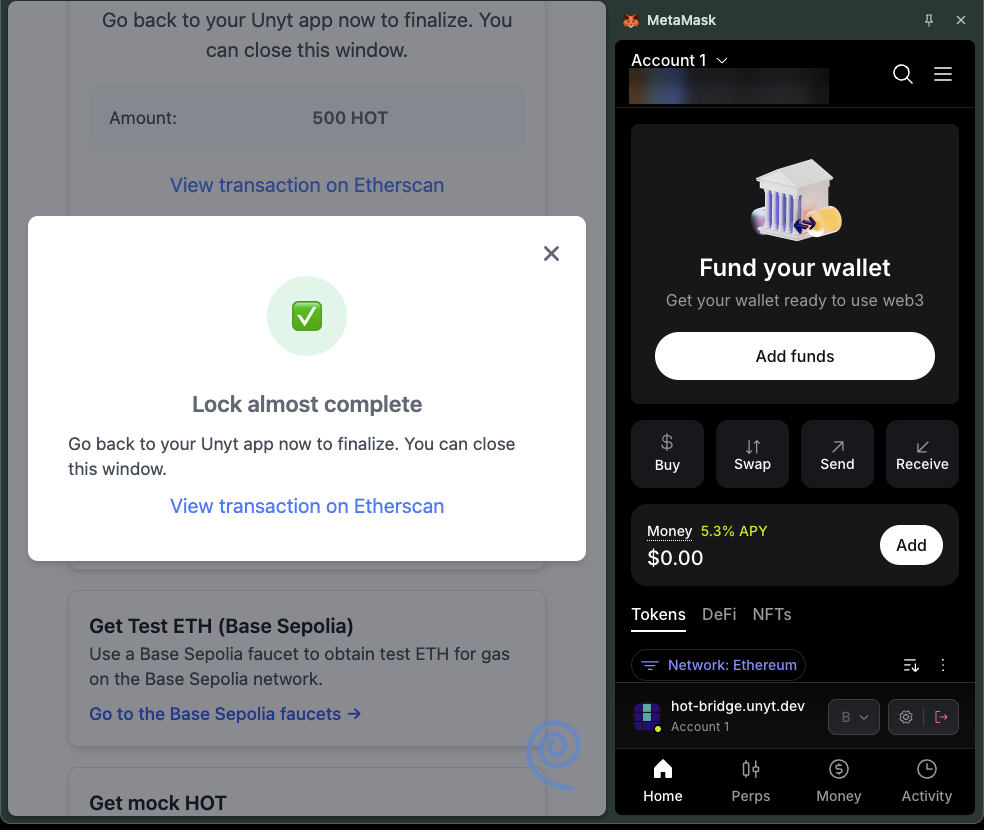
The bridge can’t see your wallet, or opened in the wrong browser? Here’s the fix.
Locked HOT is held by the bridge smart contract. Only lock HOT you intend to bring into the HoloFuel Value Network, and double-check the Agent Key before confirming.
Collect your HOT
Within a few minutes, a Transfer In item for your mirrored HOT should appear in your Action List.
- Click the check mark in the Actions column (Collect), or open the item and click Collect in Interaction Details.
- Your Holo Token (HOT) balance updates.
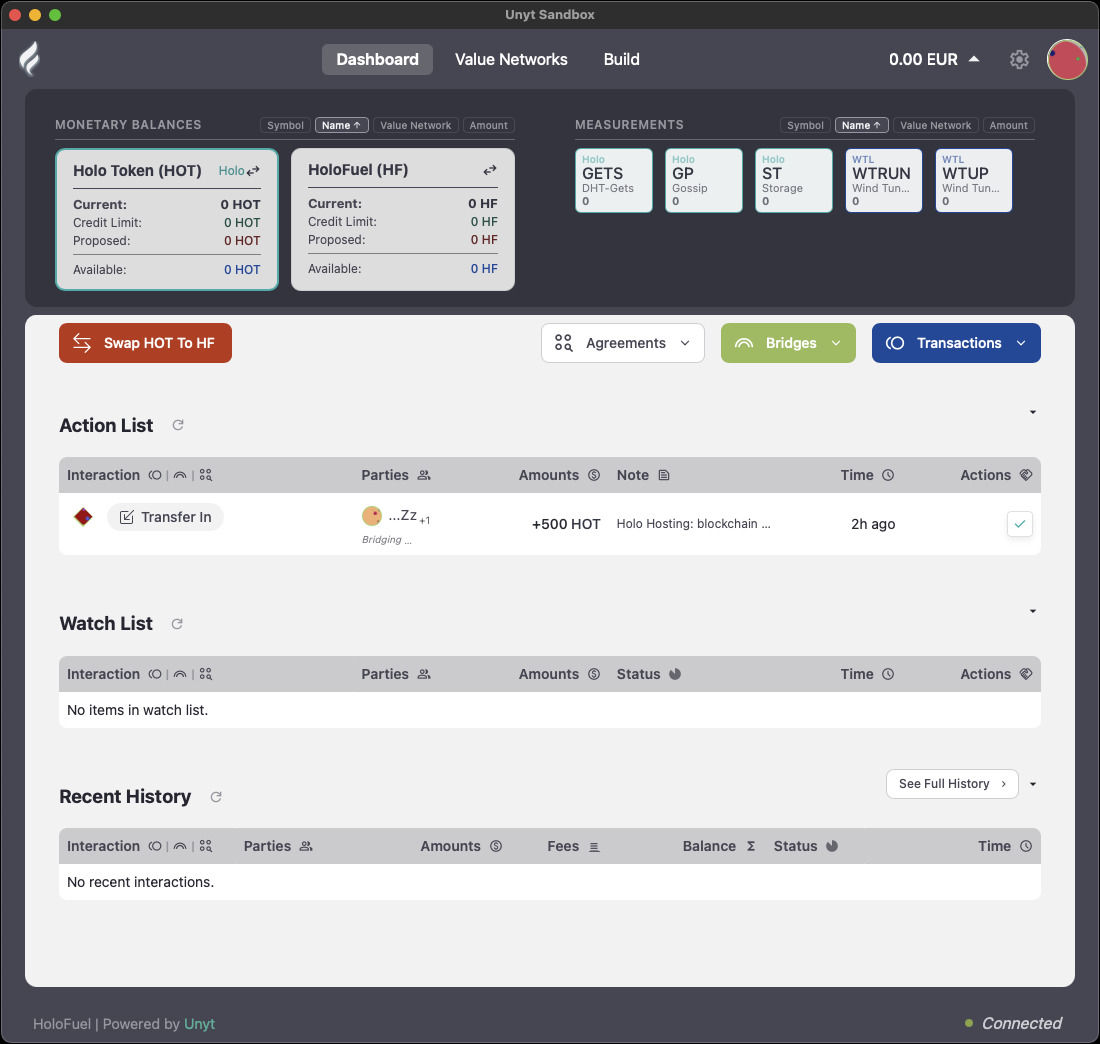
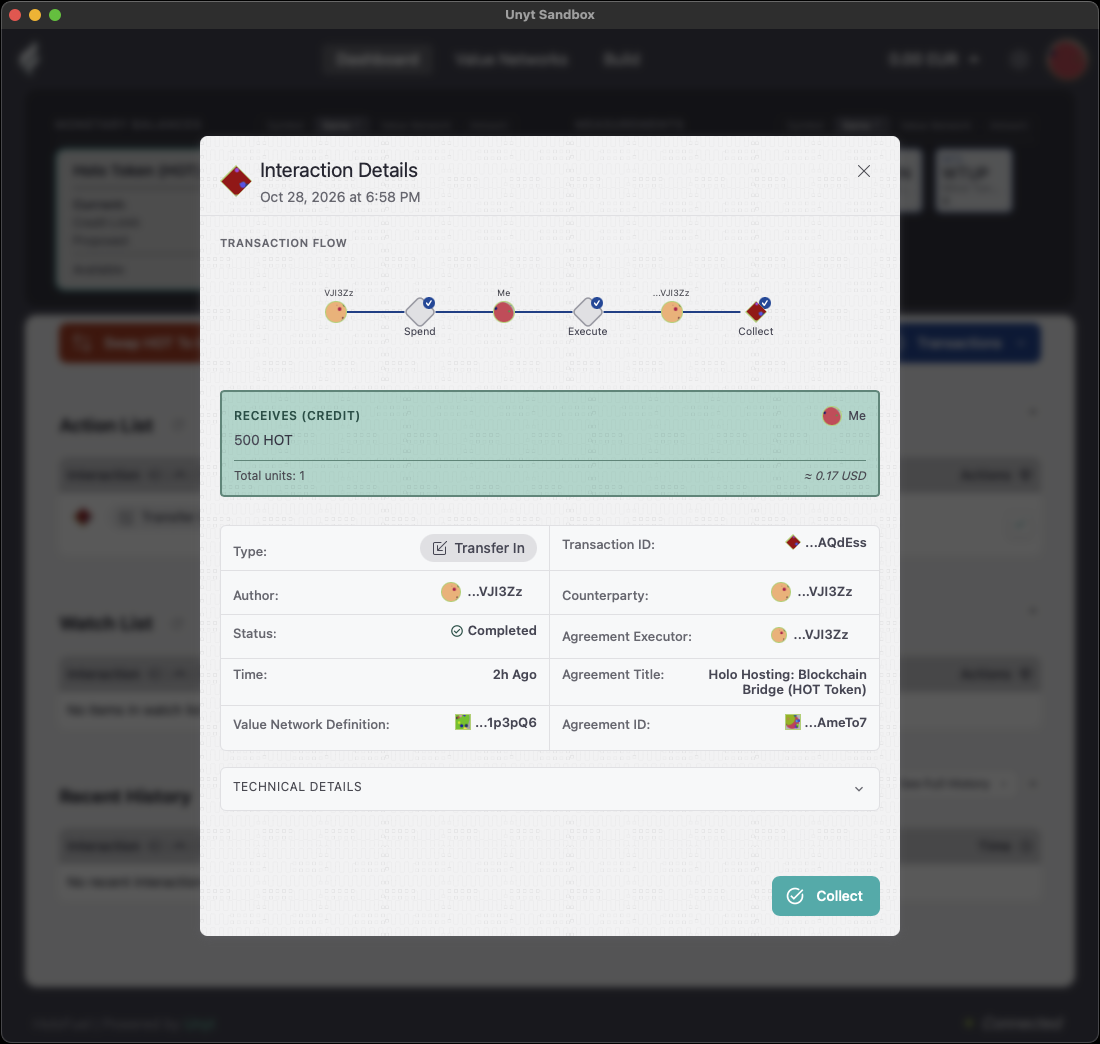
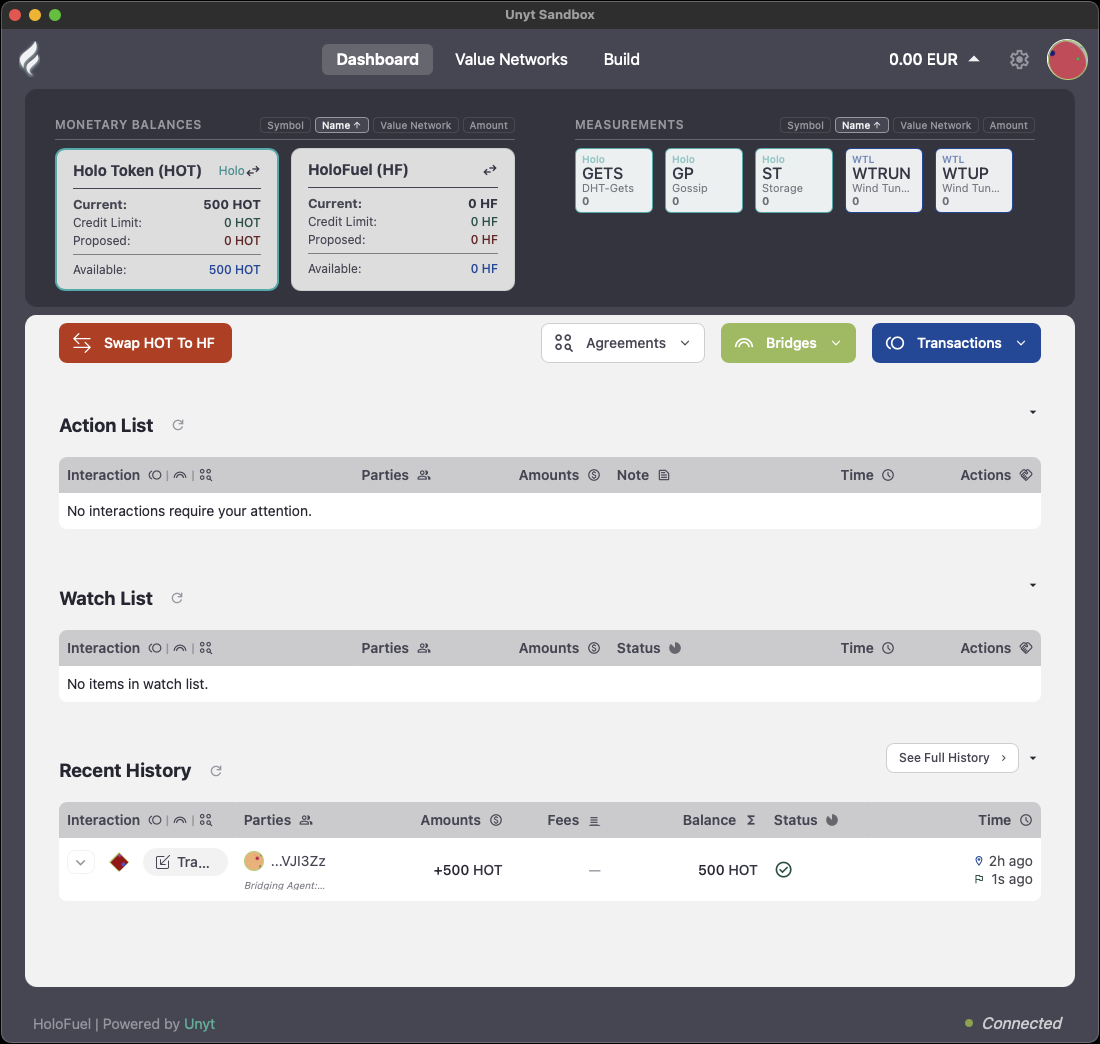
Nothing in your Action List after 10 minutes? See what to check.
The HOT you locked shows in your Unyt Holo Token (HOT) balance. This usually happens within 4 minutes of confirming in your browser-extension wallet.
Swap HOT to HoloFuel
- Click Swap HOT to HF on your dashboard.
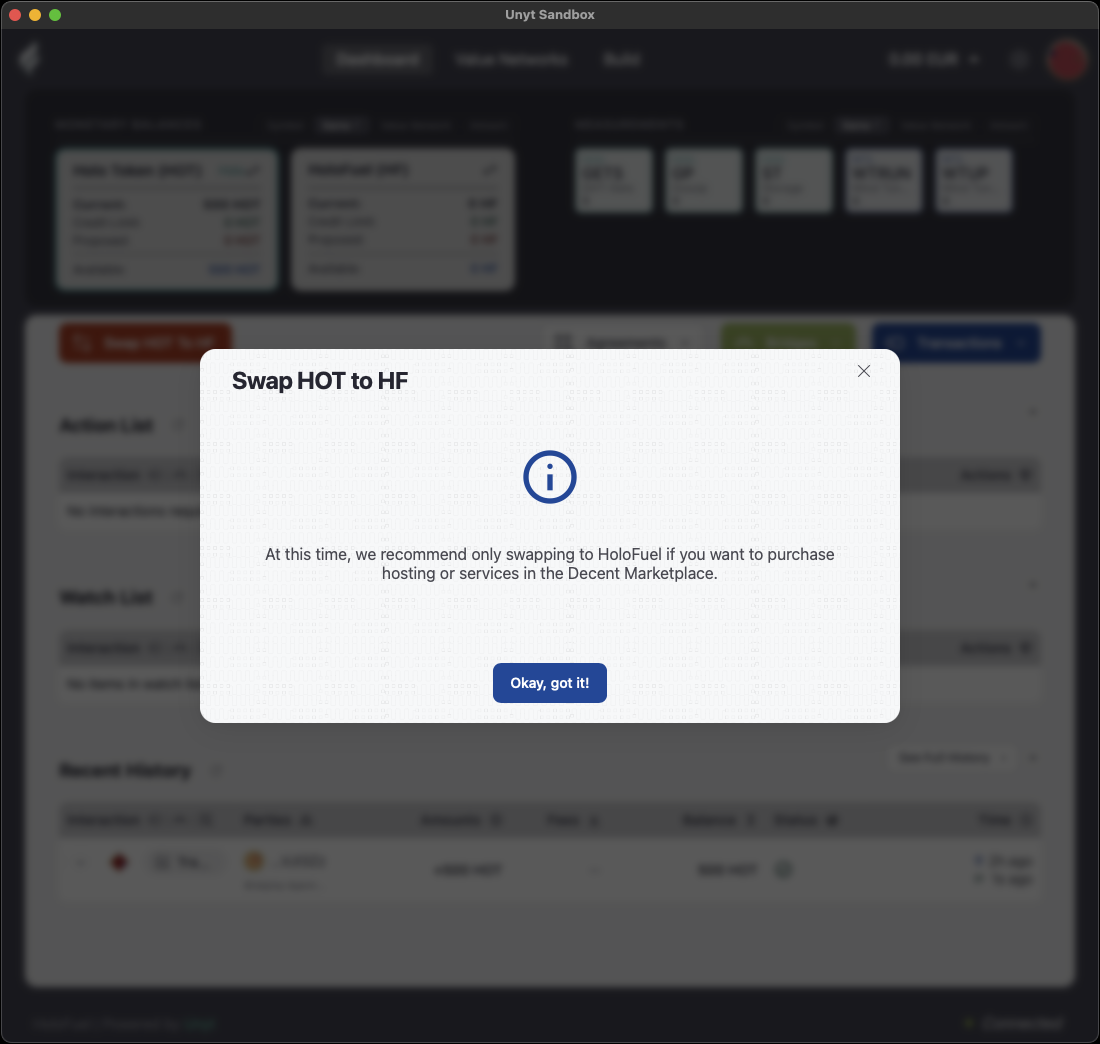
- Read the notice and click Okay, got it!. It recommends swapping only the HOT you plan to use for hosting or services in the Decent Directory.
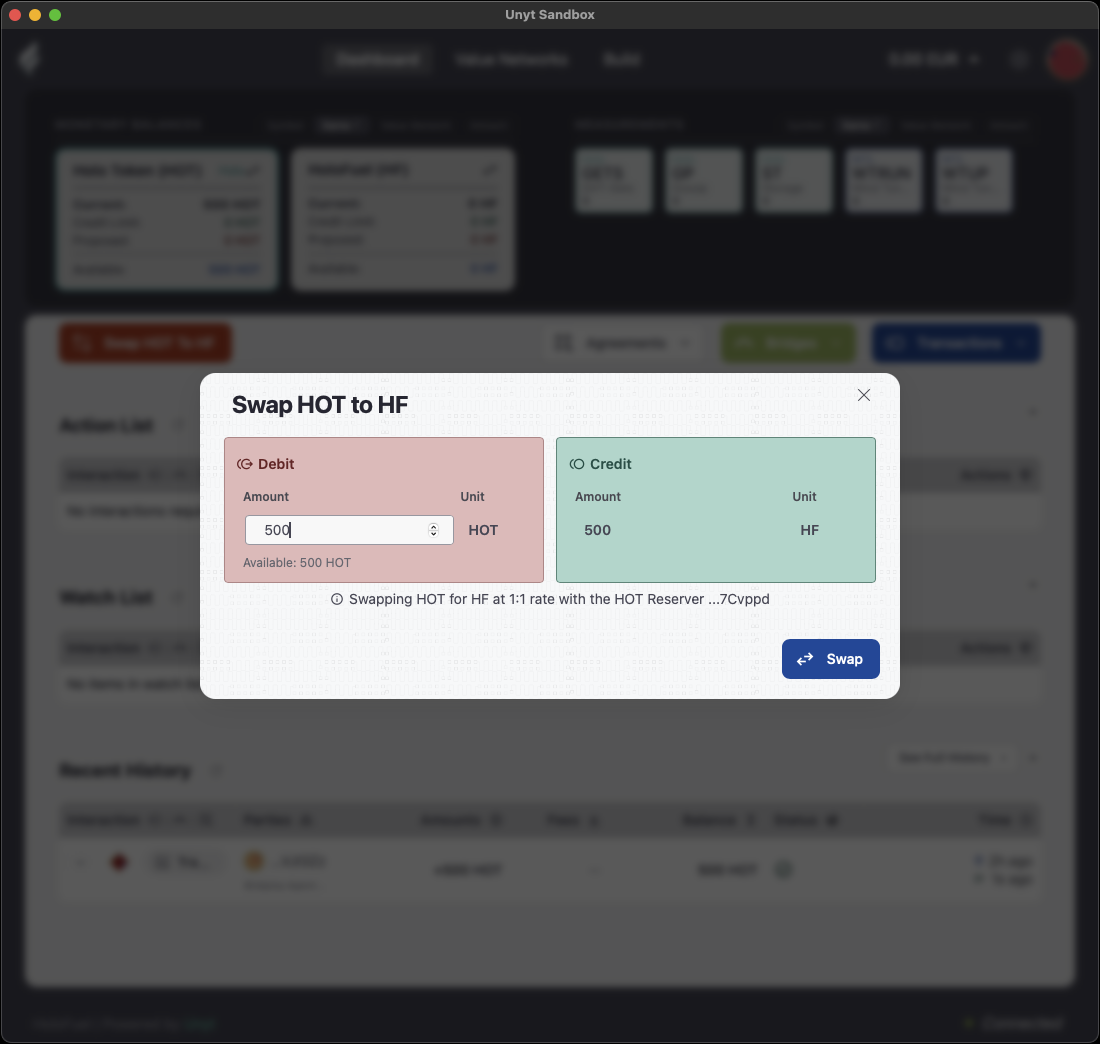
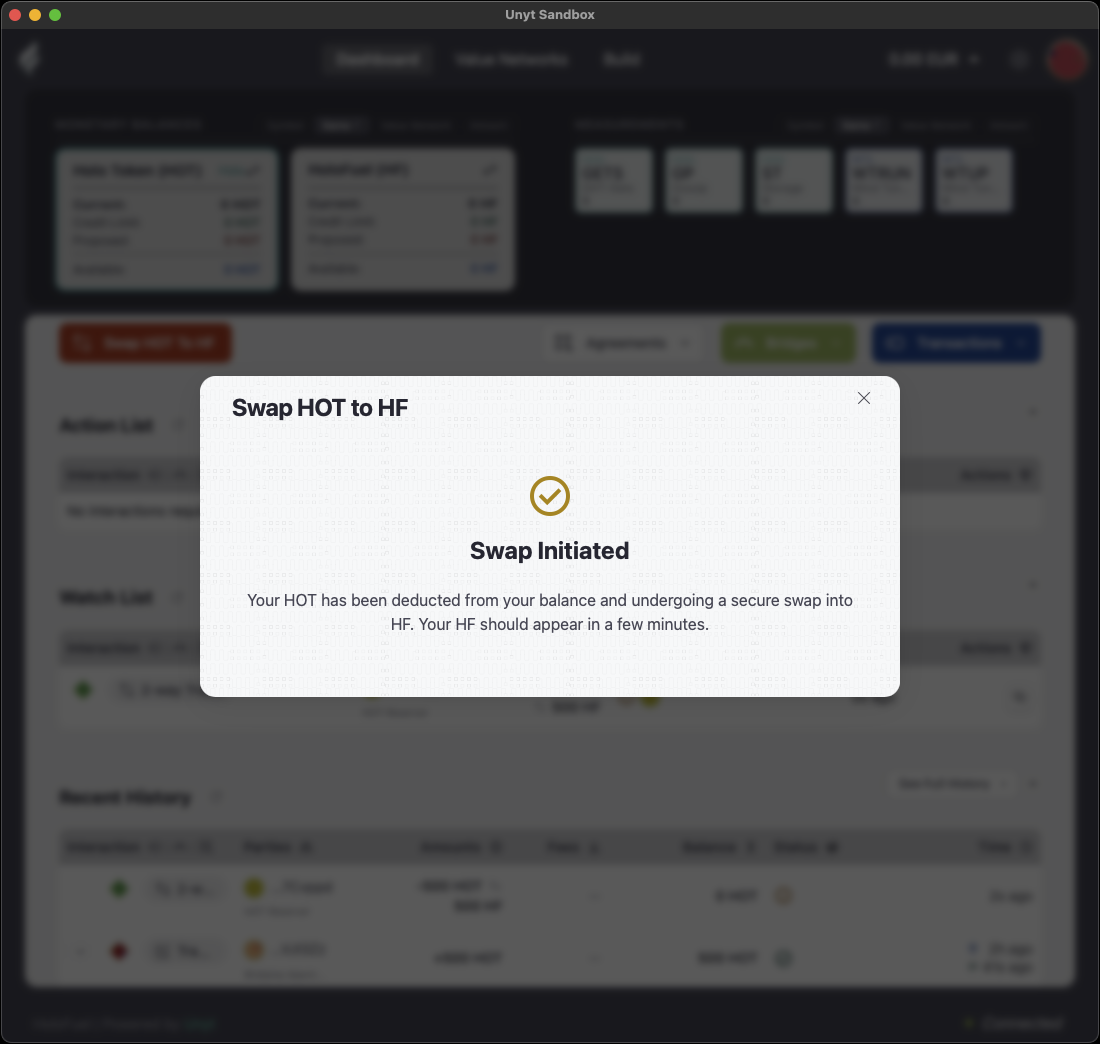
- Enter the amount of HOT you want to swap under Debit. The Credit side shows the HoloFuel you will receive (should be the same at 1:1 during the swap window). Click Swap. Note: your HOT balance will be debited immediately, but your HoloFuel balance will not be credited until the swap is processed and you collect it. You’ll see “Swap Initiated”.
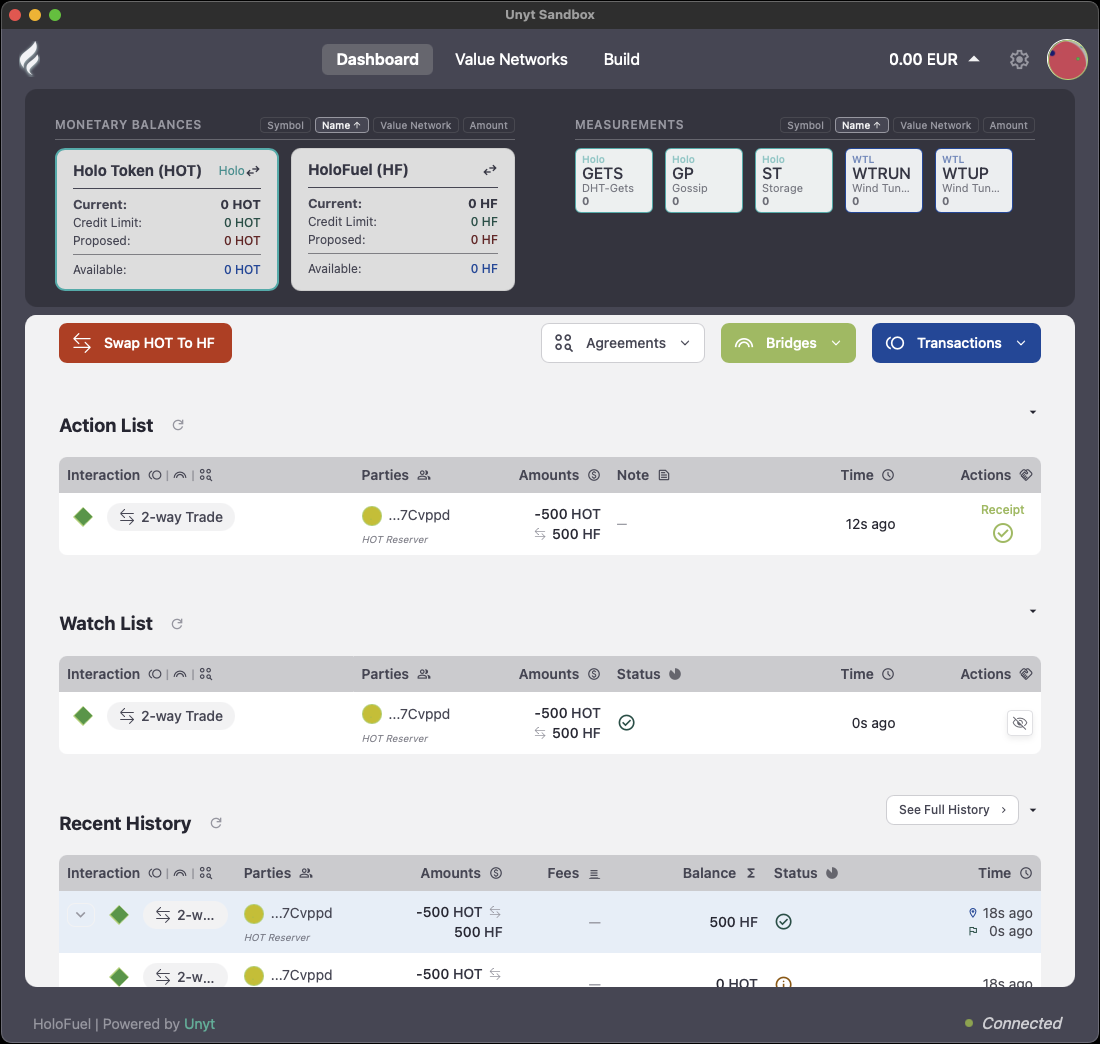
- Within a few minutes the swap appears as a 2-way Trade with the HOT Reserver.
- Collect it from your Action List by clicking the check mark, or by opening that item and clicking Collect.
To collect incoming items automatically, turn on auto-complete in Settings › Options.
Your HoloFuel (HF) balance shows the amount you swapped.
Part 3: Redeem a HoloFuel voucher
If you received a HoloFuel voucher by email, you redeem it in the same Unyt app you joined with in Part 1. Holo Hosting runs voucher redemption, and its guide is on holo.host.
Troubleshooting
Find the message you’re seeing below. Each one explains what is happening and what to do next, then links back to the step you were on.
Verifying your identity
These messages appear in your browser after you open the link in your verification email, or after Didit sends you back.
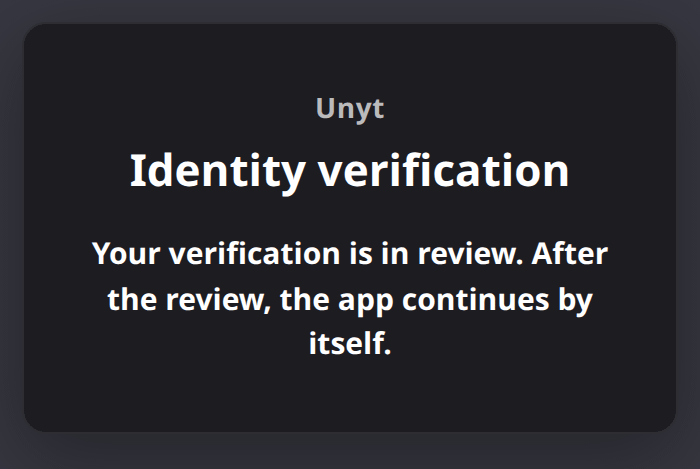
“Your verification is in review”
Didit needs a little more time to check your documents. You don’t need to do anything. When the review is finished, Unyt continues joining by itself. Keep the app open, or reopen it later.
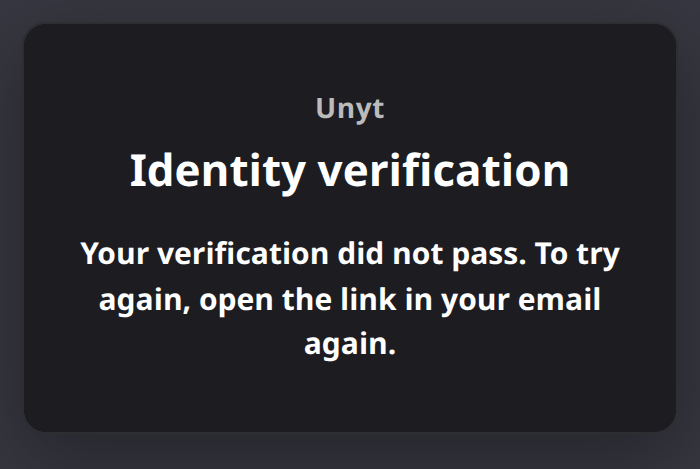
“Your verification did not pass”
Didit couldn’t confirm your identity this time, often because a photo was blurry or partly hidden. Open the link in your email again. The page will say “Your last verification did not pass”. Click Continue to start a new attempt.
For a smooth second attempt, use good light, keep your whole ID in the frame, and avoid glare on the photo page.
“Your verification is still in progress”
You left Didit before finishing. Open the link in your email again and click Continue to pick up where you left off.
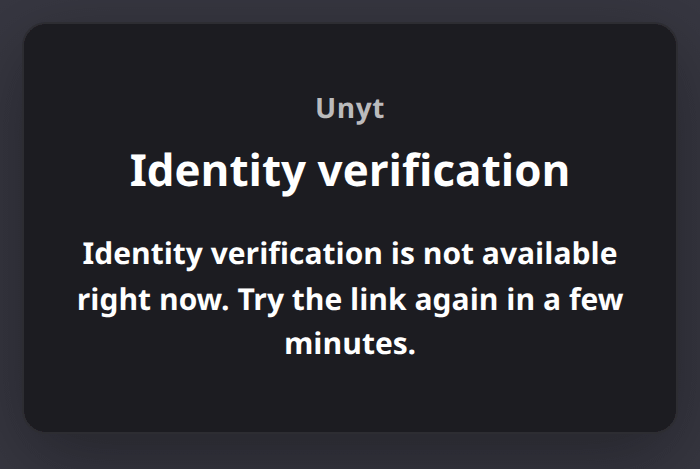
“Identity verification is not available right now”
The verification service is busy, or the button was pressed several times in a row. Wait a few minutes, then open the link in your email again.
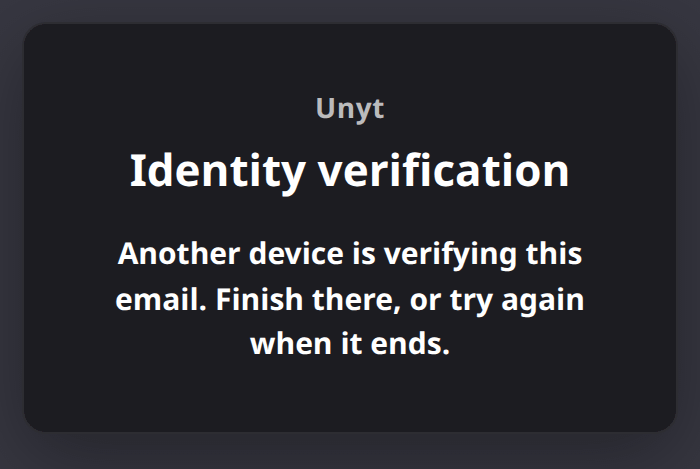
“Another device is verifying this email”
You started verifying on another device, such as your phone. Finish there, or wait until that session ends and try again.
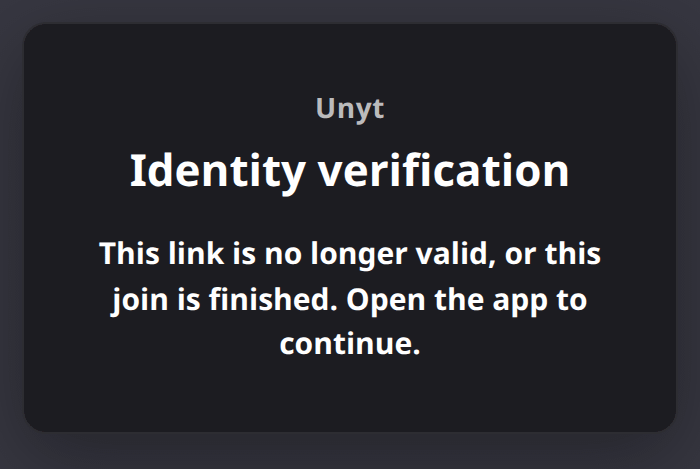
“This link is no longer valid, or this join is finished”
Verification links expire after a while, and a link can’t be reused once you’ve joined. Open the Unyt app. If you’ve already joined, you’re done. If not, the app will send you a fresh link.
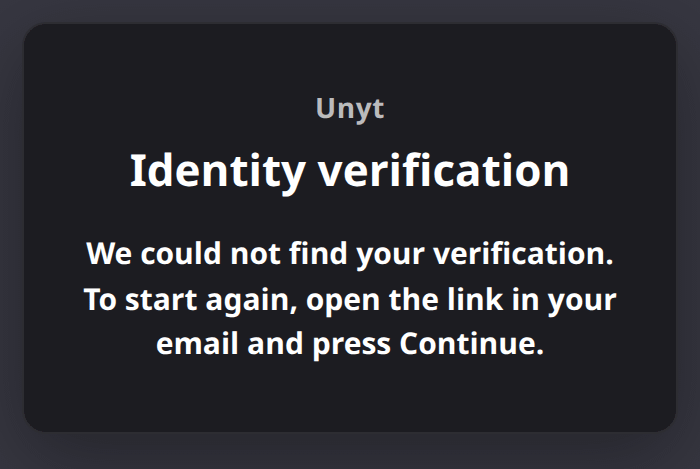
“We could not find your verification”
The verification never got started. Open the link in your email and click Continue.
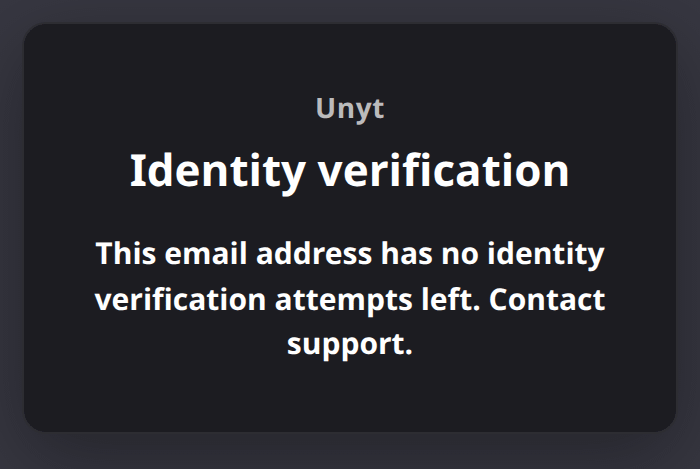
“This email address has no identity verification attempts left”
Each email address gets a limited number of verification attempts. Contact support to continue.
← Back to Verify your identity
In the Unyt app while joining
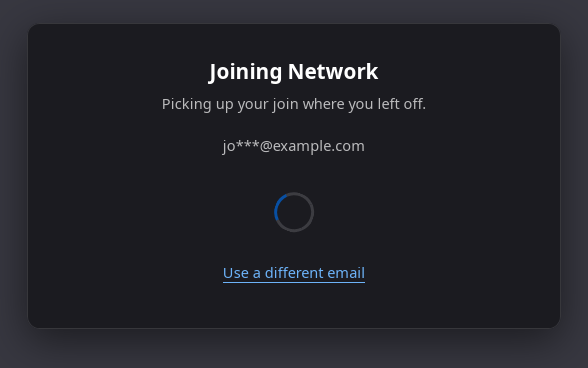
“Joining Network: Picking up your join where you left off”
You closed Unyt before joining finished. That’s fine. Unyt remembers where you were and carries on without asking anything. If you need to verify a different email address, click Use a different email.
“The joining service is not available right now. Trying again.”
Unyt can’t reach the joining service at the moment, so it keeps retrying on its own. Leave the app open. It continues as soon as the service responds.
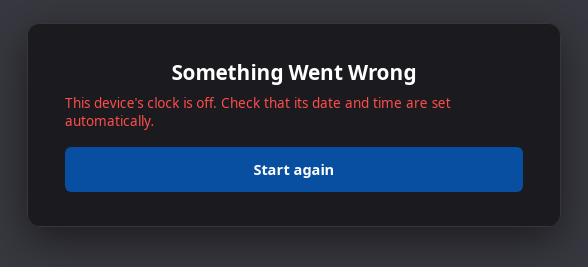
“This device’s clock is off”
Joining needs your computer’s date and time to be correct. Set your date and time to update automatically in your system settings, then click Start again.
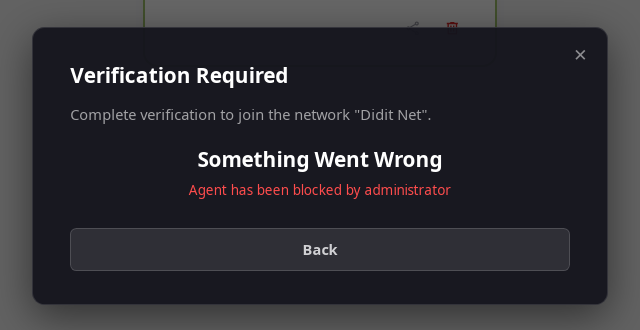
“Something Went Wrong” (another message)
If Unyt stops with “Something Went Wrong” and a message such as “Agent has been blocked by administrator”, joining can’t continue from your side. Contact support and include the exact message.
← Back to Join the HoloFuel Value Network
Bridging HOT
The bridge page can’t see my wallet
The bridge opened in a different browser, or a different browser profile, from the one with your wallet. In Unyt, go back to the Transfer In screen and click Copy URL. Then paste the link into the browser where your cryptocurrency wallet is installed. If your wallet is locked, unlock it and click Connect Wallet again.
My HOT hasn’t arrived in Unyt
Bridging usually takes a few minutes, but it can take longer when Ethereum is busy.
- Check that the lock transaction succeeded: on the bridge page, click View transaction on Etherscan.
- Keep Unyt open and check that it says Connected at the bottom right.
- Refresh the Action List.
If the transaction succeeded and nothing has arrived after 30 minutes, report the problem and include the Etherscan link.
← Back to Bridge HOT into Unyt · Collect your HOT
Support
If none of the troubleshooting above helps, ask in the Net Zero Telegram channel for the quickest response. If you do not have Telegram, email help@netzero.zone. Email is a backup channel, and replies are much slower.
To help us help you:
- Copy the full text of any error using the copy icon next to it.
- In the Unyt app menu, choose Tools › Open Logs Folder and find your log file.
- Send both, along with what you were doing when it happened.
Questions about joining the network or the HOT swap go to Net Zero FZC. Questions about a HoloFuel voucher go to Holo: see the voucher guide.
Where to spend HoloFuel
HoloFuel can be used to pay for hosting and services listed in the Decent Directory as well as with anyone who accepts it.